iPhone & iPad
Tap Share, then Copy link. Check Safari Downloads or di Files app for your file.
 GalaxyFetch
Public Facebook photo posts
See pictures for public Facebook post. Save dem one by one or carry di available set as ZIP.

Dey find public photos for dis post.
Image don ready
Easy steps
Copy di link of public photo page or post wey get plenty pictures. We go match each photo to di post and look for di biggest public version wey Facebook expose.
Copy link for public Facebook photo or multi-photo post.
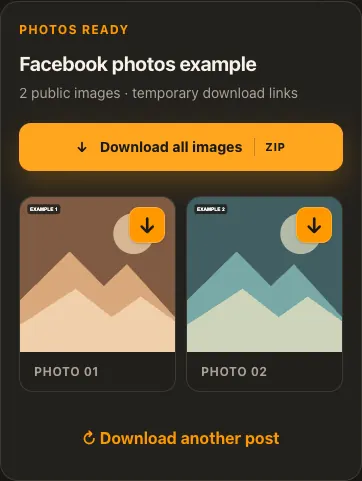
Paste am and see di photos wey source expose.
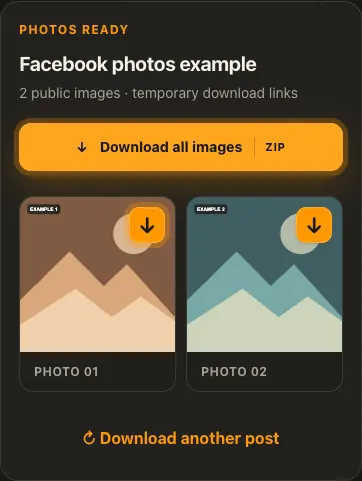
Save individual image or use Download All for ZIP.
Di pictures na examples. Wetin di source get and how fast e go load fit change.
See how e work
See di three steps for bigger screen. Na dis website we use for di examples.
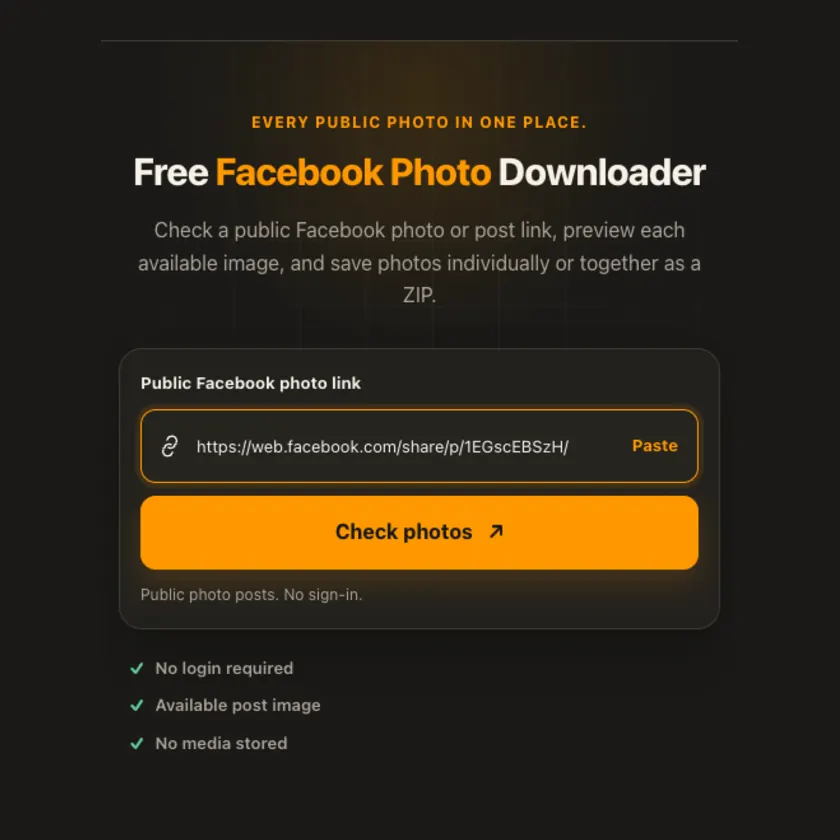
01 / Put link
Use photo page, photo share, or individual public post link.
02 / Pick one
Check di grid; photos belong to di exact post, no be profile icon or video cover.
03 / Save am
Tap one image arrow, or download ZIP if di post get more than one photo.
You fit see wetin dey happen
Approved Facebook CDN images stream only if requested. ZIP dey assembled on demand without R2 upload or permanent copy. Facebook fit still resize original upload before exposing am.
Use am for phone or computer
Several accessible photos show as grid with one arrow on each and Download All ZIP. Dis no be album or private-post extractor. We no swap in small social-preview thumbnail as if na di photo.
Tap Share, then Copy link. Check Safari Downloads or di Files app for your file.
Tap Share → Copy link. Check Downloads or your browser for di image.
Open di single post, copy im link, then check your Downloads folder.
Why dis tool fit help
We verify photo IDs against their pages, so unrelated icons no enter results; multi-image ZIP no need permanent server storage.
Wetin dis tool support
Public photo pages and post/share links exposing one to twenty photos. Albums, private groups, profile photos and video posts no dey supported here.
Wetin people dey ask
No. We choose di largest version Facebook expose publicly; e fit be resized.
Facebook fit leave some images out of anonymous page or block their source links.
No. We assemble and stream ZIP when you request am, without permanent archive storage.
No. We check only images wey di source make public.
No. We show only image versions wey di source really provide.
Every post or profile fit expose different sizes and formats.
Check di rights and ask for permission first. Download no mean free reuse.
No for public posts or profiles wey we support. Login-only images fit no work.
Source media links get expiry time. Check di original public link again.
More download tools
See other Facebook tools and related formats wey dey available.
Pick di language wey you wan see for menu and tool pages.