iPhone & iPad
Tap Share, then Copy link. Check Safari Downloads or di Files app for your file.
 GalaxyFetch
Public Instagram feed videos
Paste public Instagram video-post link. Check di MP4 wey dey, watch am, then save.

Dey check source
Dey read video details without downloading di media.
Dey check video qualities wey dey.
Pick wetin you want before transfer start
Dey check source
Dey read video details without downloading di media.
Dey check video qualities wey dey.
E go dey ready for short time
Dis link go expire in 15:00
We no fit make am ready
Easy steps
Instagram feed video dey usually get /p/ link. Copy di post own link; profile or Explore page no point to one video. If na picture carousel, use di image tool.
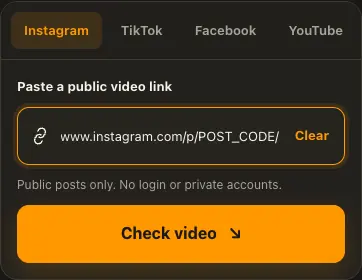
Copy di link for one public Instagram feed video.
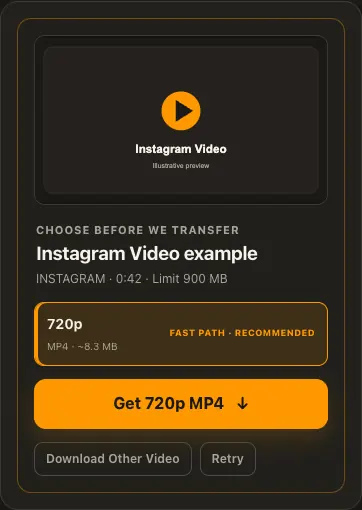
Paste am and check di MP4 formats wey dey.
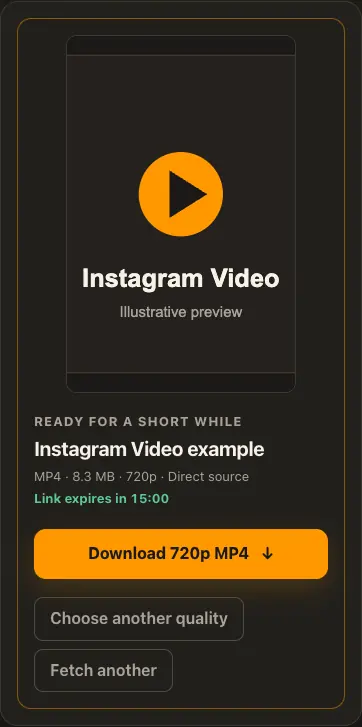
Preview di prepared video, then save am before di link expire.
Di pictures na examples. Wetin di source get and how fast e go load fit change.
See how e work
See di three steps for bigger screen. Na dis website we use for di examples.
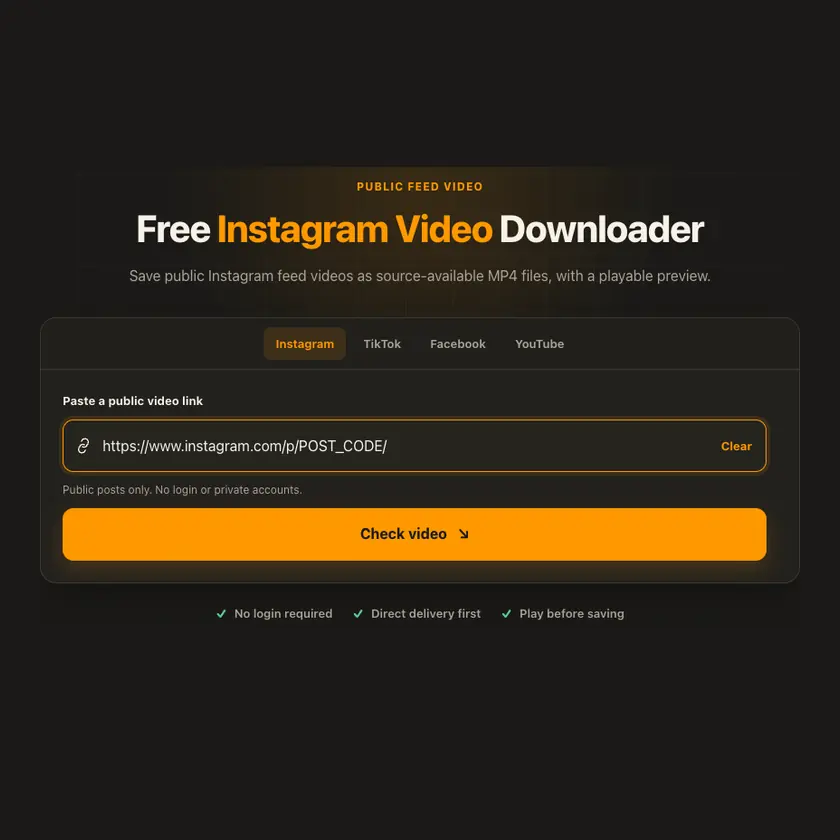
01 / Put link
Use di individual /p/ video-post link, no be profile or Explore URL.
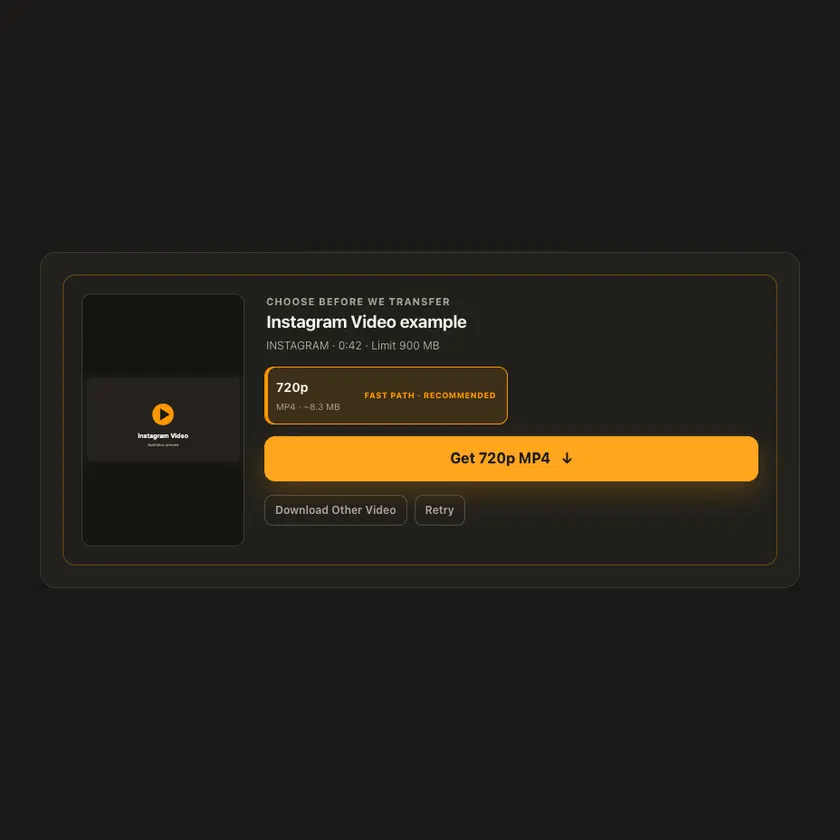
02 / Pick one
Choose only from di formats wey we confirm for dat post. We no invent HD option.
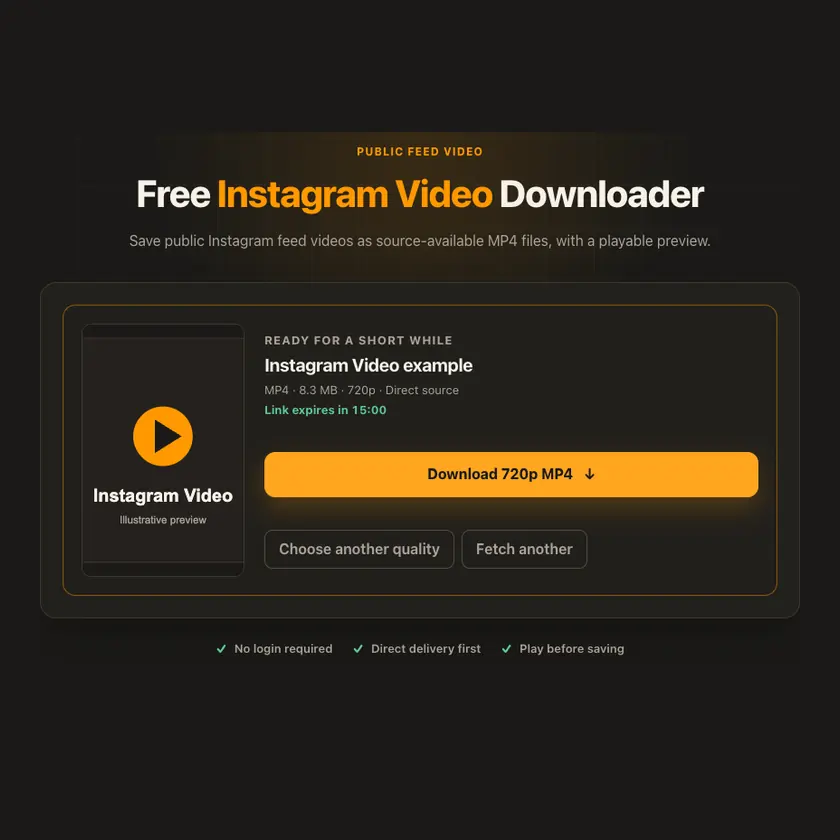
03 / Save am
If di browser fit play di prepared file, preview am. Download get separate button.
You fit see wetin dey happen
If Instagram expose one complete video file, we check fast delivery first. If di source need special headers, guarded proxy or short private storage fit become backup. We no add quality wey source no get.
Use am for phone or computer
For phone, open di video post and tap Share → Copy link. For computer, open di individual post and copy di browser address. Private posts or posts wey need login no fit work here.
Tap Share, then Copy link. Check Safari Downloads or di Files app for your file.
Tap Share → Copy link. Check Downloads or your browser for di MP4.
Open di single post, copy im link, then check your Downloads folder.
Why dis tool fit help
Di format list comes from dat post, and di player lets you check wetin don prepare before you save am.
Wetin dis tool support
Public Instagram feed posts wey contain video. Private posts, Stories and full-profile export no dey supported.
Wetin people dey ask
No. Use di Instagram Carousel Images tool for public image-only multi-photo posts.
We show only formats wey Instagram expose for dat public post; we no enlarge di source.
No. Di source fit remove am, limit am by country, or block access for some time.
No. We no bypass login or privacy settings.
No. We show only di sizes wey di source provide. We no invent extra quality.
Di post fit don disappear, need login, get region limit, or di source fit block temporary access.
Normally about 15 minutes. When e expire, check di original public link again.
No. We no put prepared media for public gallery. If storage dey needed, e remain private for short time.
More download tools
See other Instagram tools and related formats wey dey available.
Pick di language wey you wan see for menu and tool pages.