iPhone & iPad
Tap Share, then Copy link. Check Safari Downloads or di Files app for your file.
 GalaxyFetch
Public Threads post clips
If public Threads post get more than one video, pick di clip and MP4 quality wey you want.

Dey check source
Dey read video details without downloading di media.
Dey check video qualities wey dey.
Pick wetin you want before transfer start
Pick di clip wey you want
Dey check source
Dey read video details without downloading di media.
Dey check video qualities wey dey.
E go dey ready for short time
Dis link go expire in 15:00
We no fit make am ready
Easy steps
Threads post fit mix pictures with plenty videos. We show each public clip separately, so you fit pick di one and di quality wey you want.
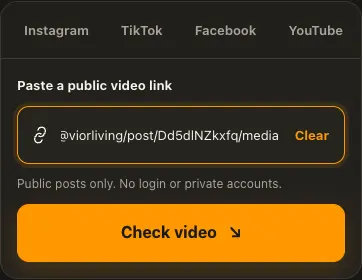
Copy public Threads post or share link.
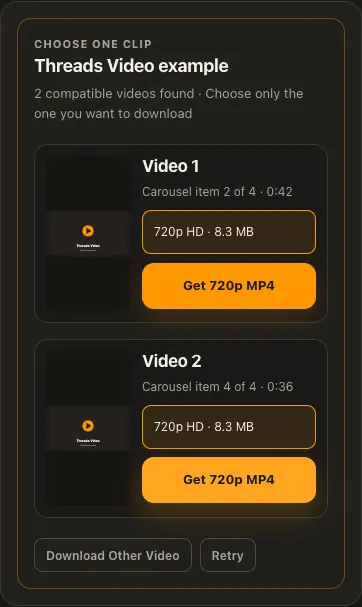
Check each video card and choose clip plus quality.
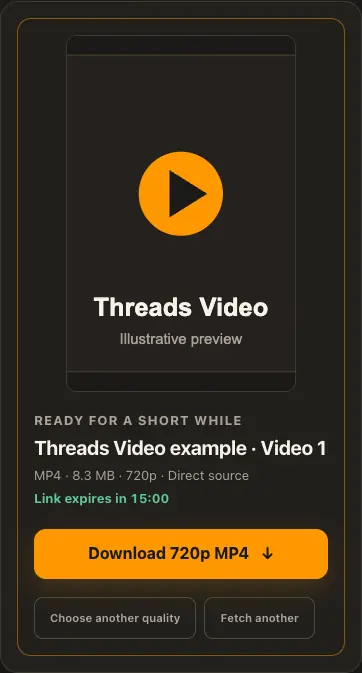
Preview di selected MP4 and download am.
Di pictures na examples. Wetin di source get and how fast e go load fit change.
See how e work
See di three steps for bigger screen. Na dis website we use for di examples.
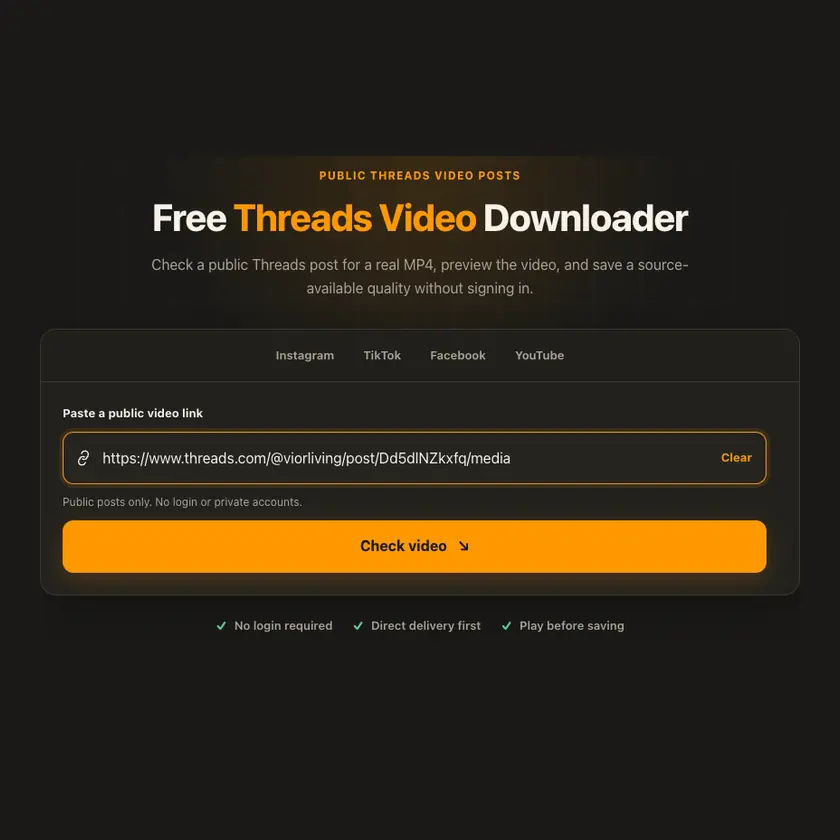
01 / Put link
Use individual public post, /media view or official share.
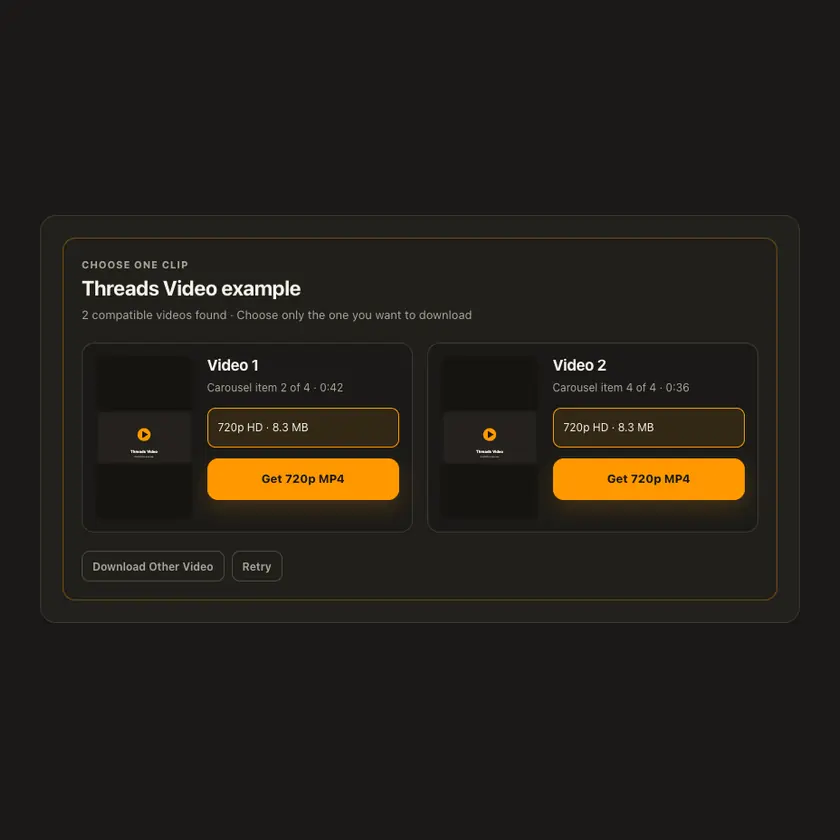
02 / Pick one
Several videos get separate cards; image slides no turn to video.
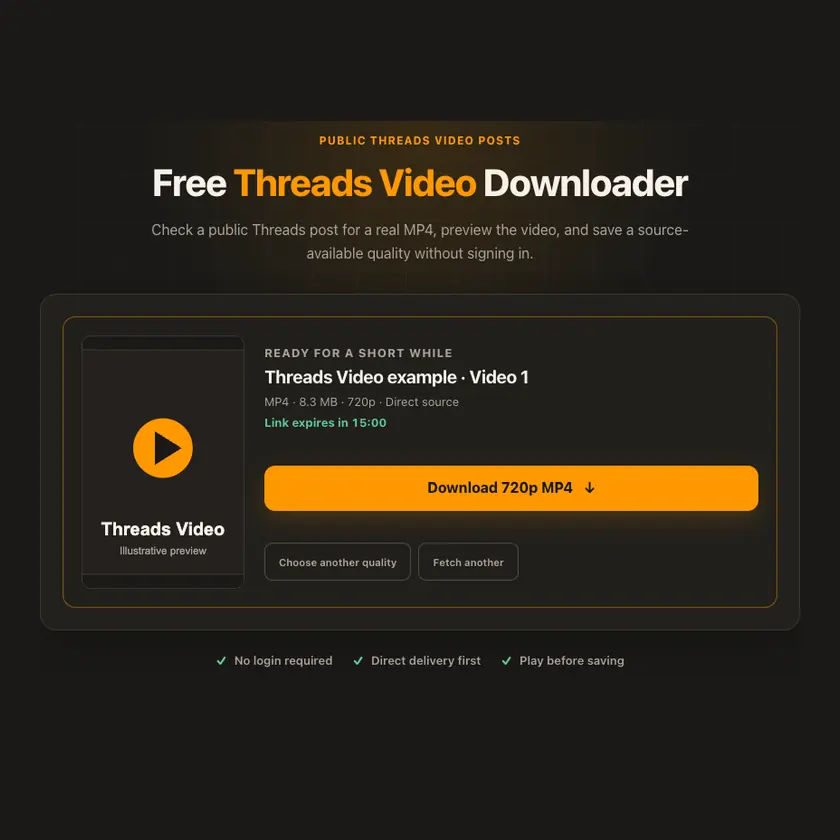
03 / Save am
Pick verified complete MP4 when wey dey for lower server work.
You fit see wetin dey happen
Verified complete H.264 MP4 gets priority over conversion. Sound only dey when selected source file actually contain AAC track.
Use am for phone or computer
Paste threads.com or threads.net post, /media view or official /share/ link. We verify public MP4 bytes, codec and size. Complete H.264 file fit take fast path without merge.
Tap Share, then Copy link. Check Safari Downloads or di Files app for your file.
Tap Share → Copy link. Check Downloads or your browser for di MP4.
Open di single post, copy im link, then check your Downloads folder.
Why dis tool fit help
Real MP4 inspection and honest silent-video labels avoid false quality and unnecessary merge.
Wetin dis tool support
Public Threads posts and share links exposing playable H.264 MP4 video. Private and image-only posts no dey supported.
Wetin people dey ask
Yes, each verified clip gets im own card and choices.
No. We separate photo items from video items.
Selected source file fit truly be silent; we no invent AAC track.
Official Threads /share/ link fit resolve to individual public post.
No. Di source fit remove am, limit am by country, or block access for some time.
No. We no bypass login or privacy settings.
No. We show only di sizes wey di source provide. We no invent extra quality.
Di post fit don disappear, need login, get region limit, or di source fit block temporary access.
Normally about 15 minutes. When e expire, check di original public link again.
No. We no put prepared media for public gallery. If storage dey needed, e remain private for short time.
More download tools
See other Threads tools and related formats wey dey available.
Pick di language wey you wan see for menu and tool pages.