iPhone & iPad
Tap Share, then Copy link. Check Safari Downloads or di Files app for your file.
 GalaxyFetch
Audio from public Vimeo clips
If public Vimeo video get sound, turn am to MP3. Hear am first, then save.

Dey check source
Dey read video details without downloading di media.
Dey check video qualities wey dey.
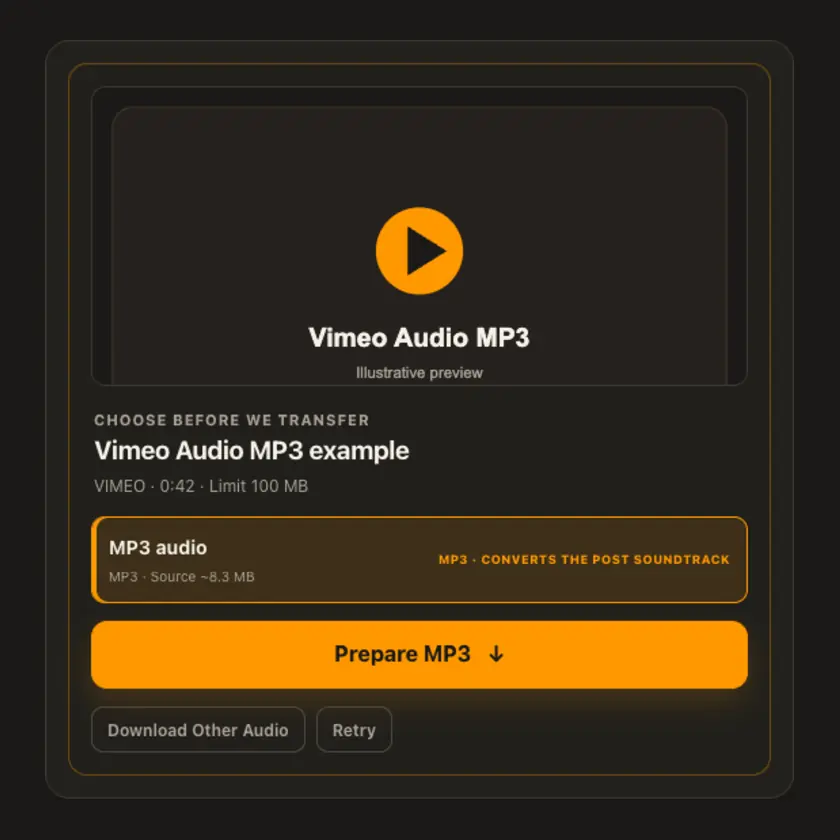
Pick wetin you want before transfer start
Dey check source
Dey read video details without downloading di media.
Dey check video qualities wey dey.
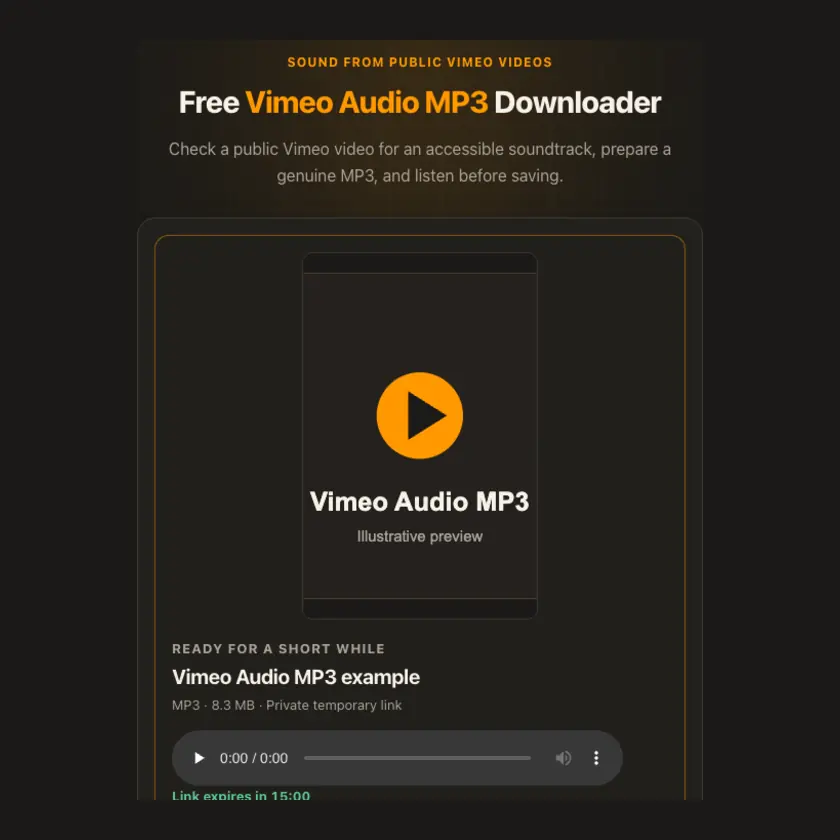
E go dey ready for short time
Dis link go expire in 15:00
We no fit make am ready
Easy steps
Put public Vimeo video link wey get sound. We go check di audio tracks before transfer start.
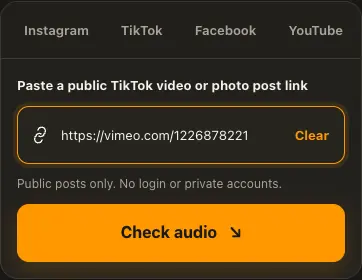
Copy public Vimeo clip link wey get sound.
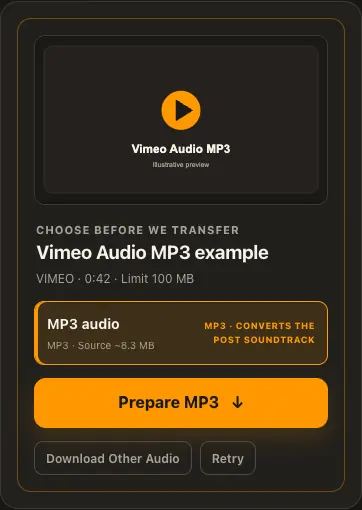
Paste am and check audio source.
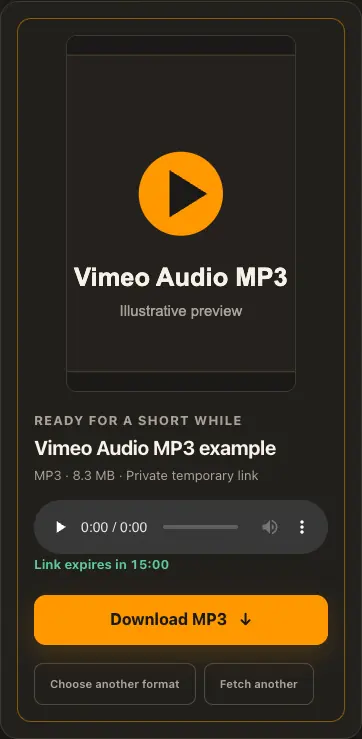
Prepare MP3, listen and download am.
Di pictures na examples. Wetin di source get and how fast e go load fit change.
See how e work
See di three steps for bigger screen. Na dis website we use for di examples.
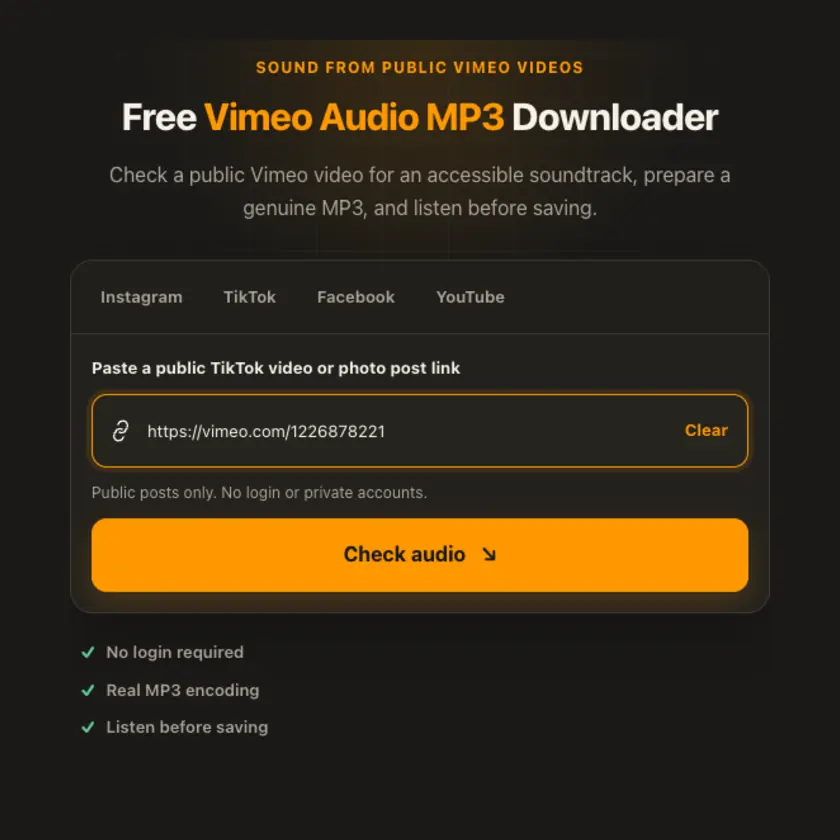
01 / Put link
Use individual public video or player URL.
02 / Pick one
Audio-only source saves bandwidth; combined video may be necessary otherwise.
03 / Save am
Wait for conversion and use short-lived MP3 link.
You fit see wetin dey happen
FFmpeg encodes genuine MP3. Source/output capped by lower of 100 MB or admin limit, with short-lived private link for playback and save.
Use am for phone or computer
Separate audio track is preferred when Vimeo provides am. If only complete video contains sound, worker fit extract dat soundtrack within size limit. Silent and private videos no get MP3 choice.
Tap Share, then Copy link. Check Safari Downloads or di Files app for your file.
Tap Share → Copy link. Check Downloads or your browser for di MP3.
Open di single post, copy im link, then check your Downloads folder.
Why dis tool fit help
Verified soundtrack, bounded transfer and real encoding help avoid empty or mislabeled audio.
Wetin dis tool support
Public Vimeo clips with accessible audio. Silent, private, passworded and blocked videos no dey supported.
Wetin people dey ask
If Vimeo no expose separate audio, di sound may be inside complete video.
Yes. FFmpeg encodes di selected soundtrack to MP3.
No. We no bypass creator access settings.
No. We no offer MP3 without usable soundtrack.
Converted file dey in private short-lived storage, not permanent library.
No. We make MP3 from di sound for di public post wey you submit.
No. Conversion no fit bring back audio details wey don loss.
Some no get sound, don disappear, or di source no let us reach di audio.
No. Na posts wey anybody fit reach without login we support.
Check say you get di rights or permission. Conversion no remove copyright limits.
Normally about 15 minutes. When e expire, check di original public post again.
More download tools
See other Vimeo tools and related formats wey dey available.
Pick di language wey you wan see for menu and tool pages.