iPhone & iPad
Tap Share, then Copy link. Check Safari Downloads or di Files app for your file.
 GalaxyFetch
Public X post images
See up to four pictures for one public X post. Save dem one by one or as ZIP.

Dey find public photos for dis post.
Image don ready
Easy steps
Copy di link of one public X photo post. We match pictures to dat exact status, no be profile photo or image from reply.
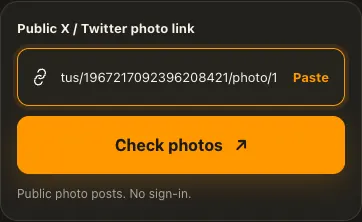
Copy di public X /status/ or /photo/ post link.
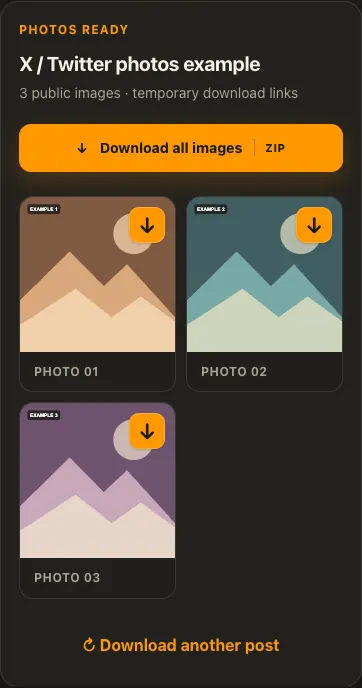
Paste am and check di attached images.
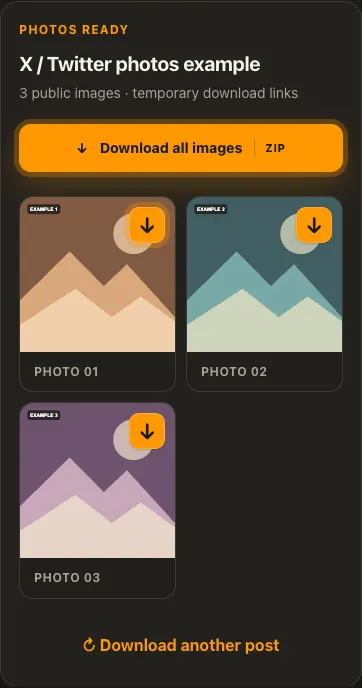
Save one photo or use Download All for ZIP.
Di pictures na examples. Wetin di source get and how fast e go load fit change.
See how e work
See di three steps for bigger screen. Na dis website we use for di examples.
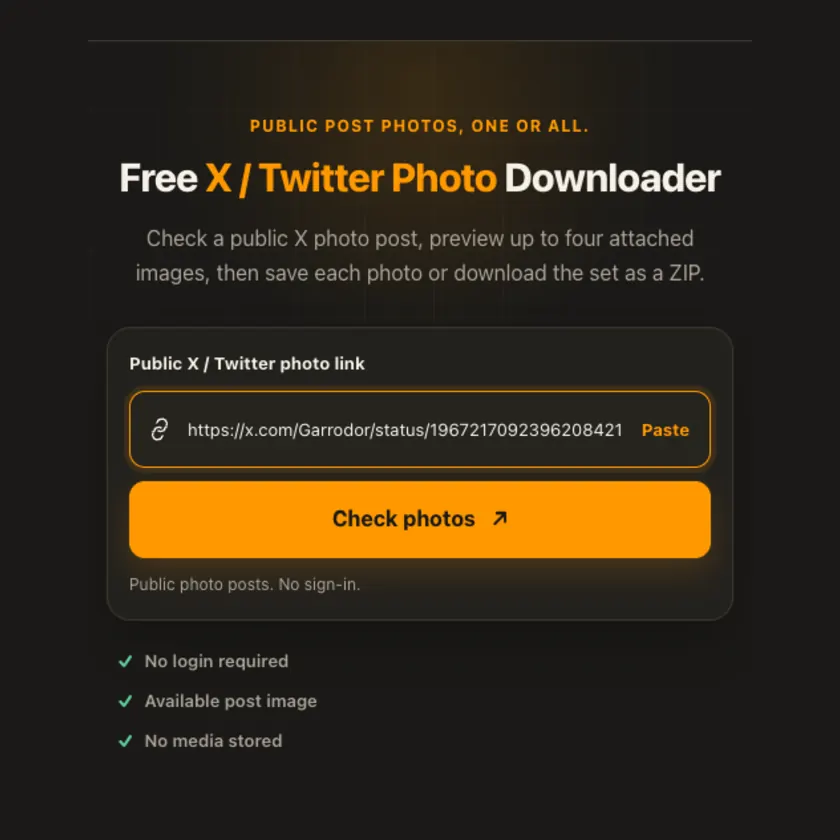
01 / Put link
Open di exact photo post, no be profile, reply or timeline.
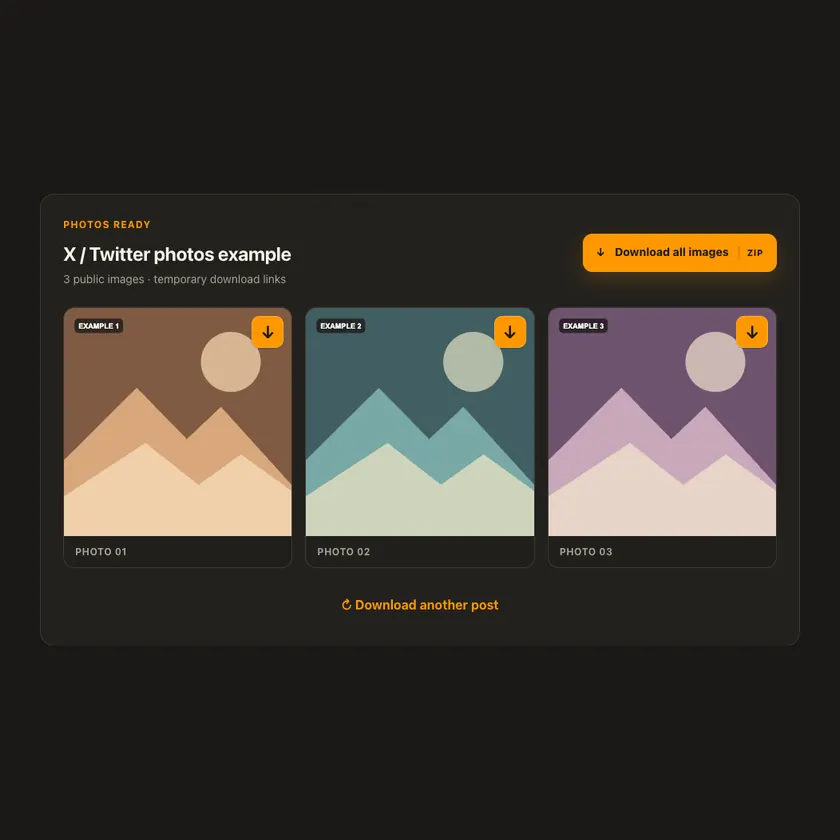
02 / Pick one
Check up to four attached images. Original-size source is preferred if e dey.
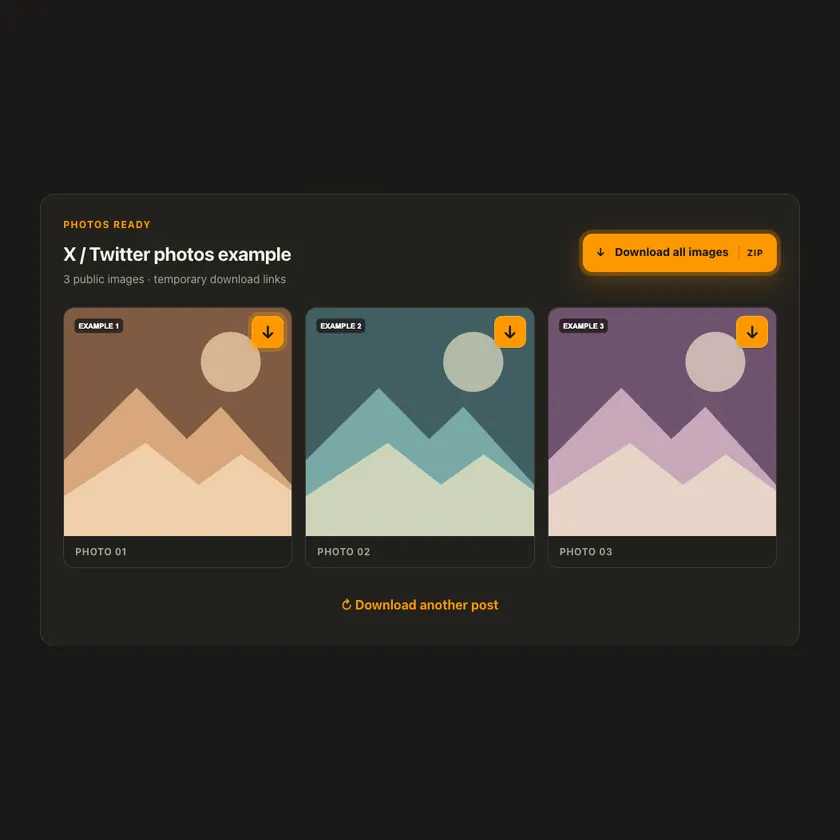
03 / Save am
Use one image arrow or ZIP button for di full set.
You fit see wetin dey happen
Public X CDN photos stream through bounded preview and attachment routes. ZIP is assembled on demand without R2 upload or permanent copy. Source fit change or restrict access later.
Use am for phone or computer
One post fit get up to four photos. Every image gets download arrow; several images also get ZIP button. We check original-size CDN variant first; if source no expose am, we use di large version available.
Tap Share, then Copy link. Check Safari Downloads or di Files app for your file.
Tap Share → Copy link. Check Downloads or your browser for di image.
Open di single post, copy im link, then check your Downloads folder.
Why dis tool fit help
Exact post-ID matching keeps unrelated images out, while original-size checks and on-demand ZIP give clear results.
Wetin dis tool support
Public x.com and twitter.com status posts with one to four accessible photos, including /photo/1–4 links. Protected posts, GIFs and videos no dey photo sources.
Wetin people dey ask
No. We check original first; if source no expose am, we use di largest available version.
No. We match photos to di exact post ID.
X posts fit attach up to four photos, and we show only di accessible ones.
No. We check only images wey di source make public.
No. We show only image versions wey di source really provide.
Every post or profile fit expose different sizes and formats.
Check di rights and ask for permission first. Download no mean free reuse.
No for public posts or profiles wey we support. Login-only images fit no work.
Source media links get expiry time. Check di original public link again.
More download tools
See other X / Twitter tools and related formats wey dey available.
Pick di language wey you wan see for menu and tool pages.