iPhone & iPad
Tap Share, then Copy link. Check Safari Downloads or di Files app for your file.
 GalaxyFetch
Public video captions
See captions wey public YouTube video get. Pick language and save real SRT or VTT.

Dey read di options wey public video get.
Subtitles wey we find
Automatic subtitles fit get mistakes. We no offer auto-translation.
Save di subtitlesEasy steps
Video fit get subtitles wey creator write, automatic captions, both or none. We show only tracks wey we fit confirm.
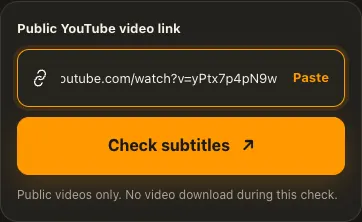
Copy di link for di public YouTube video.
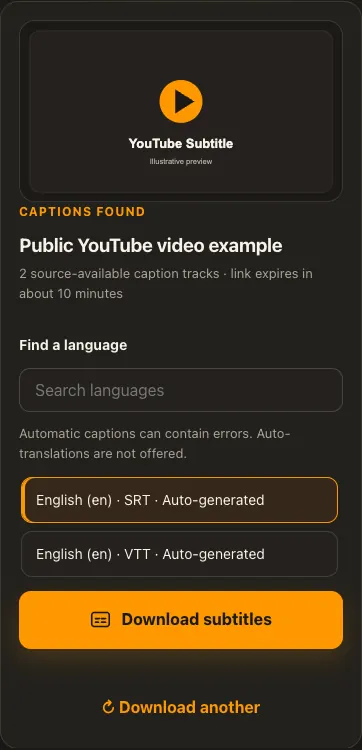
Choose subtitle language and SRT or VTT track wey dey.
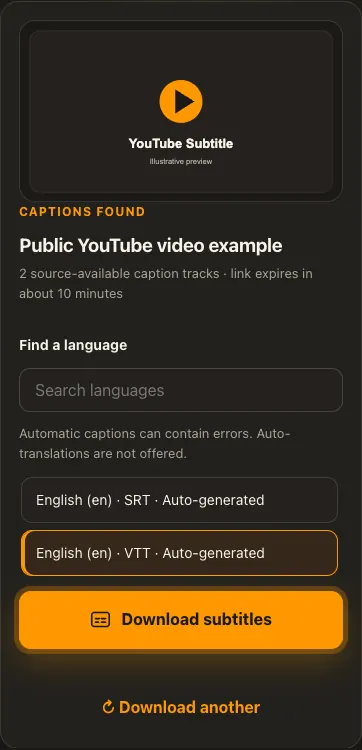
Download di text file and open am with player or editor.
Di pictures na examples. Wetin di source get and how fast e go load fit change.
See how e work
See di three steps for bigger screen. Na dis website we use for di examples.
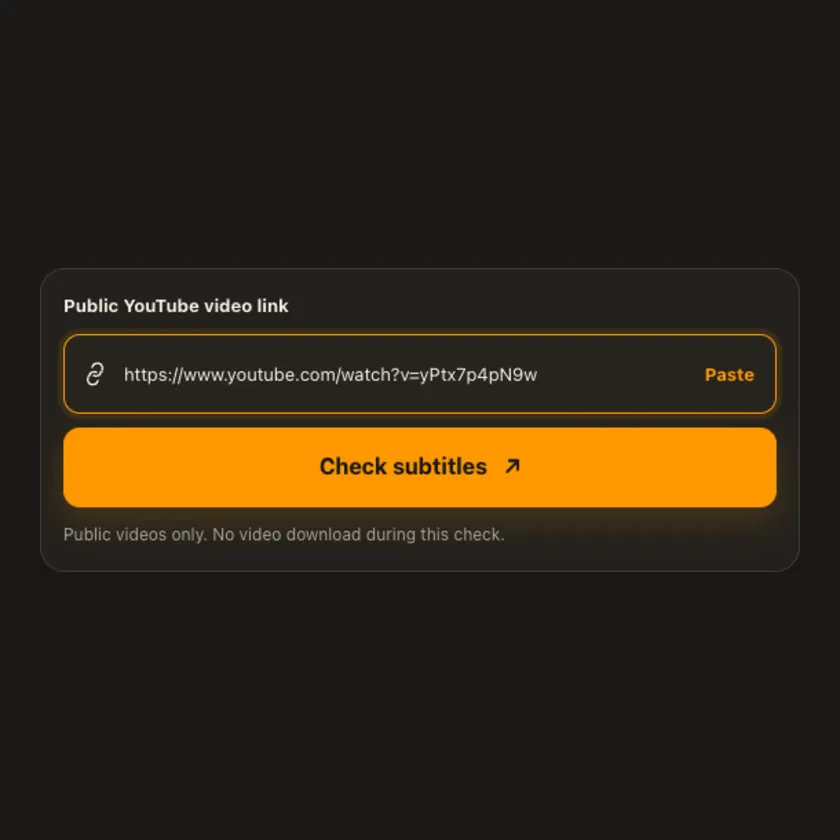
01 / Put link
Use one video link. If di video no publish any caption track, no option go show.
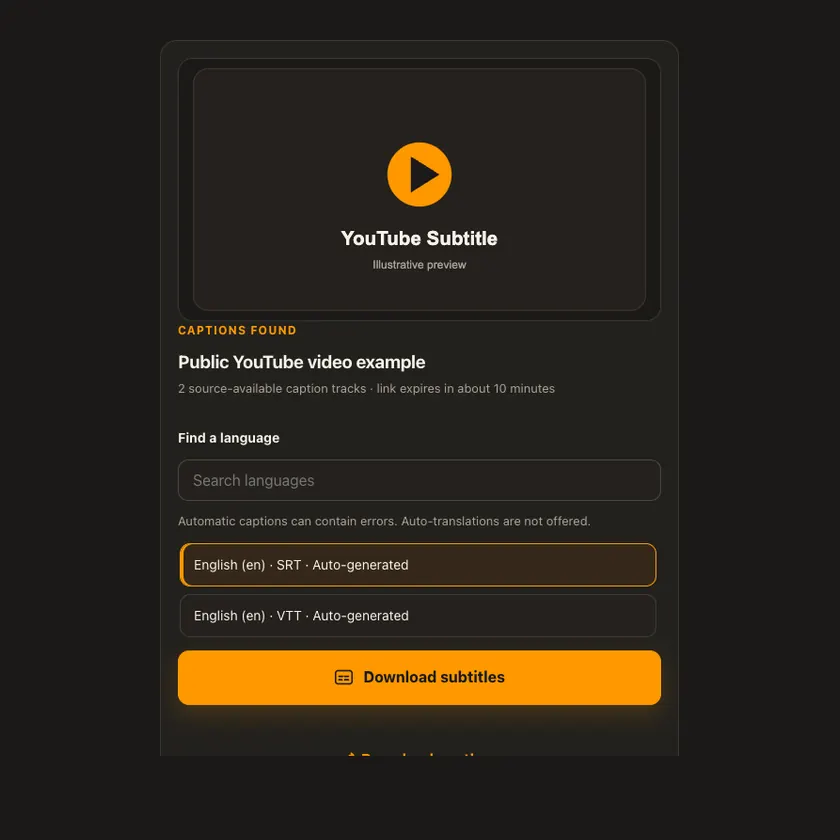
02 / Pick one
Read di label for manually written versus automatically generated captions. Choose di format you need.
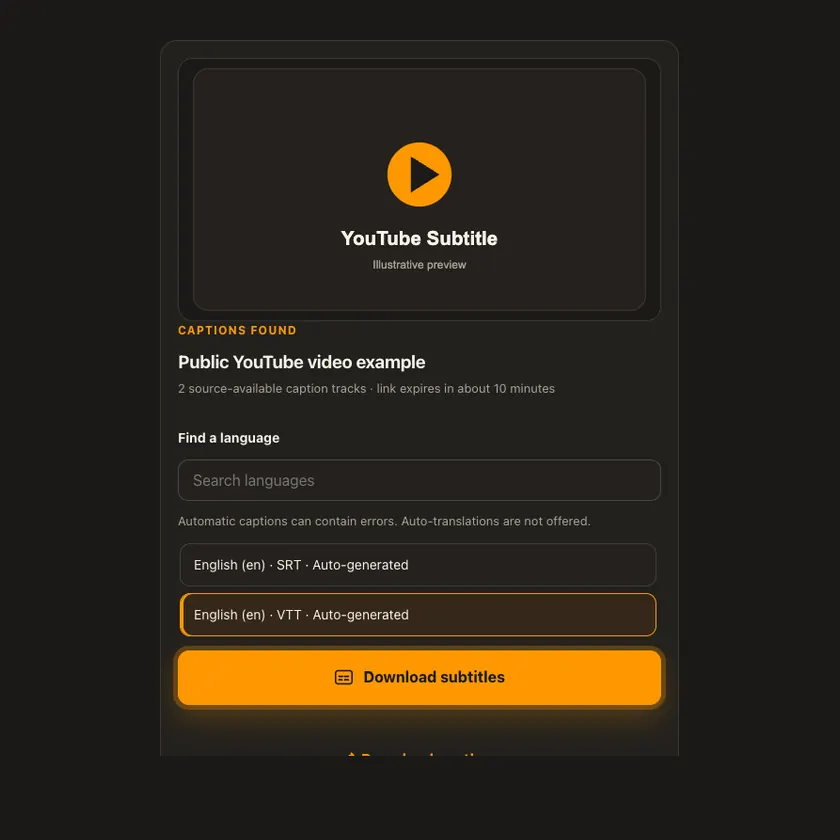
03 / Save am
Save di SRT or VTT file. Di text no need video transfer or MP4 merge.
You fit see wetin dey happen
We fetch only di subtitle file you choose, no be di video. We no offer automatic translated captions wey source no reliably provide.
Use am for phone or computer
Paste di link for one public video. Pick di original subtitle language and file format before download; automatic text fit contain mistakes.
Tap Share, then Copy link. Check Safari Downloads or di Files app for your file.
Tap Share → Copy link. Check Downloads or your browser for di SRT or VTT.
Open di single post, copy im link, then check your Downloads folder.
Why dis tool fit help
We keep manual and automatic captions distinct and no promise auto-translated files wey fit fail.
Wetin dis tool support
Public YouTube videos with accessible original-language subtitle tracks. No guaranteed caption for every video.
Wetin people dey ask
Both na subtitle files. Choose di type wey your player or editor accept.
Yes. Na machine-generated text, so review am before you use am.
No. We offer tracks wey di source actually provide; we no generate new translation.
Di video fit no get public captions, or di source fit block access to di track.
No. Dis tool download only di caption file.
No. Na content wey you fit see without login we dey check.
only if you get di rights or permission. Download no give you copyright.
No. Di source choose di size and format. We no invent missing details.
Na to protect di file. When e expire, check di public post again.
More download tools
See other YouTube tools and related formats wey dey available.
Pick di language wey you wan see for menu and tool pages.