iPhone & iPad
Tap Share, then Copy link. Check Safari Downloads or di Files app for your file.
 GalaxyFetch
Public video cover images
See thumbnail sizes wey public YouTube video or Short get, then save di picture.

Dey read di options wey public video get.
Images wey we find
Na only sizes and formats wey di source provide. We no enlarge am.
Save di thumbnailEasy steps
YouTube fit show different cover sizes for one video. We show only real images wey di source return.
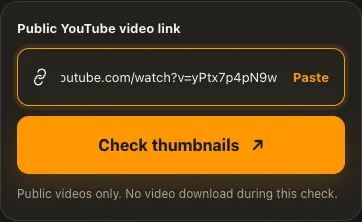
Copy di public YouTube video or Shorts link.
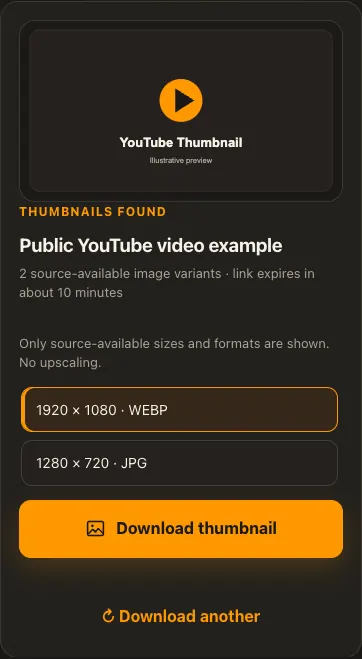
Check di thumbnail sizes wey dey and choose one.
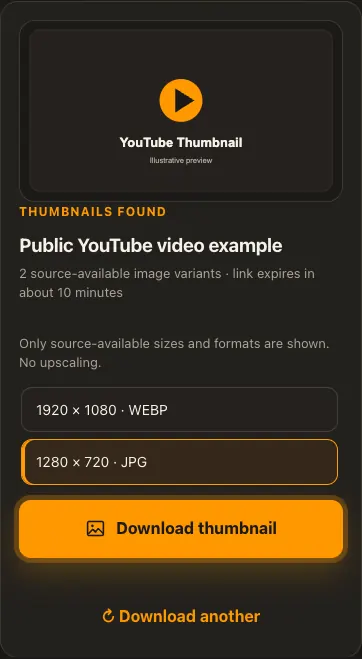
Preview di image, then download di real file.
Di pictures na examples. Wetin di source get and how fast e go load fit change.
See how e work
See di three steps for bigger screen. Na dis website we use for di examples.
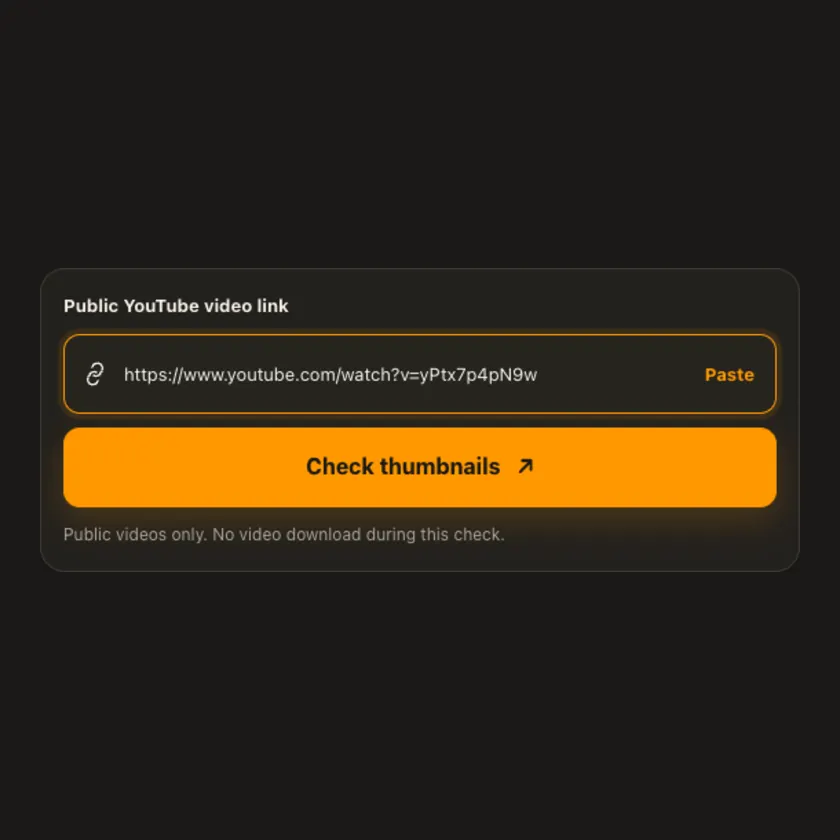
01 / Put link
Open di video itself and copy im URL. Playlist and channel pages no be di same input.
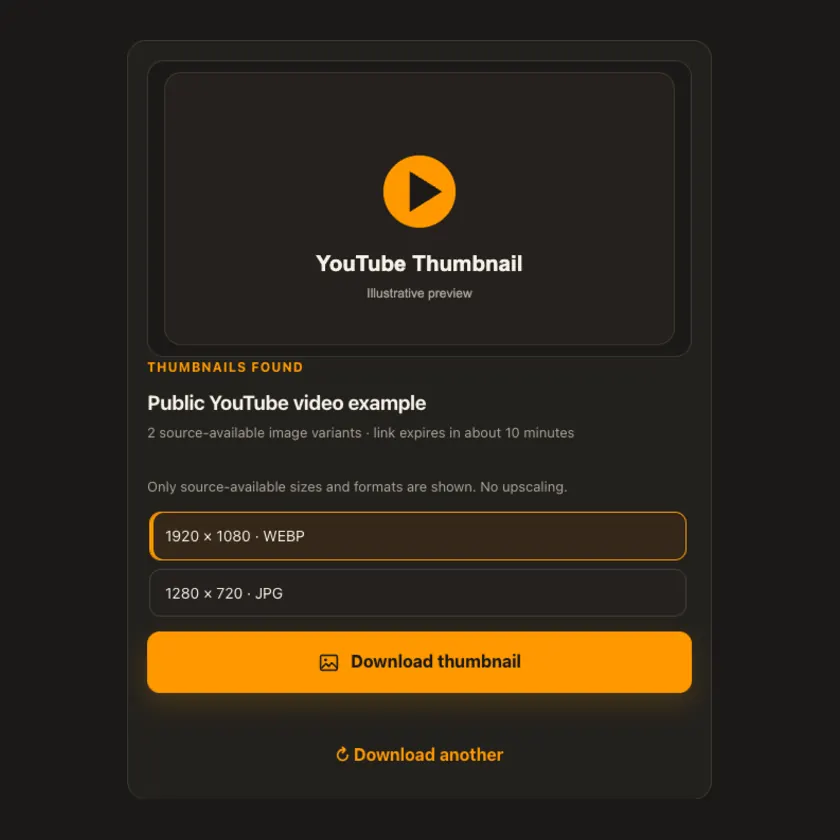
02 / Pick one
Choose among di images wey YouTube actually expose. Bigger size no always dey for every video.
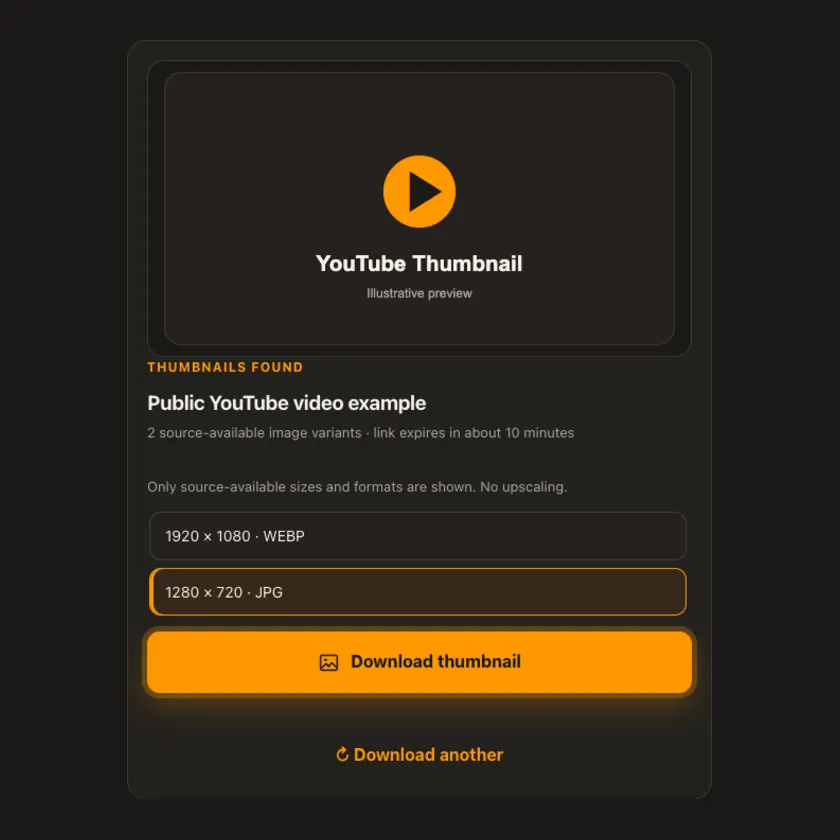
03 / Save am
Save di thumbnail in im real image format. We no create extra detail by enlarging am.
You fit see wetin dey happen
We fetch only di selected image. No video download, audio conversion or R2 transfer dey needed for dis tool.
Use am for phone or computer
Paste di watch or Shorts link and choose available thumbnail. Size and format come from di image; we no upscale am.
Tap Share, then Copy link. Check Safari Downloads or di Files app for your file.
Tap Share → Copy link. Check Downloads or your browser for di image.
Open di single post, copy im link, then check your Downloads folder.
Why dis tool fit help
We show source-backed sizes and formats instead of labelling every thumbnail as HD.
Wetin dis tool support
Public YouTube video and Shorts thumbnails wey di source make available. No private or invented image sizes.
Wetin people dey ask
only if di source provide dat size for di video. We no enlarge smaller image.
Yes, if di real thumbnail variants use di formats dem.
No. Dis tool fetch only di image you choose.
Di source no expose di same images for every video.
No. Na content wey you fit see without login we dey check.
only if you get di rights or permission. Download no give you copyright.
No. Di source choose di size and format. We no invent missing details.
Na to protect di file. When e expire, check di public post again.
More download tools
See other YouTube tools and related formats wey dey available.
Pick di language wey you wan see for menu and tool pages.