iPhone & iPad
Tap Share, then Copy link. Check Safari Downloads or di Files app for your file.
 GalaxyFetch
Public multi-photo posts
See public Instagram carousel pictures in order. Save one, or carry all of dem as ZIP.

Dey find each public image for di post.
Images wey we find
Easy steps
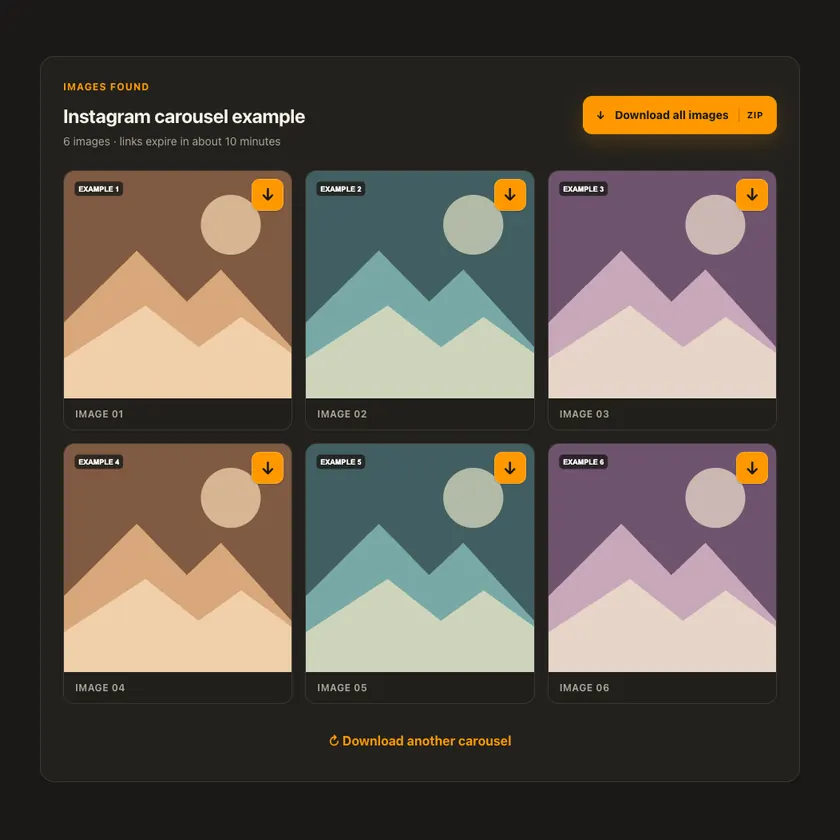
Copy di link of public post wey get more than one picture. We go show di slides in order; each picture get im own button, plus one ZIP for all.
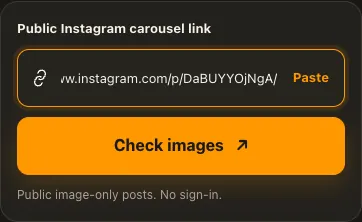
Copy di link for public multi-photo Instagram post.
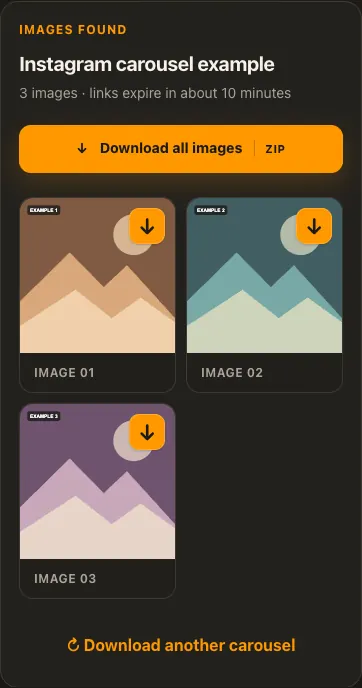
Paste am to see all di image slides in order.
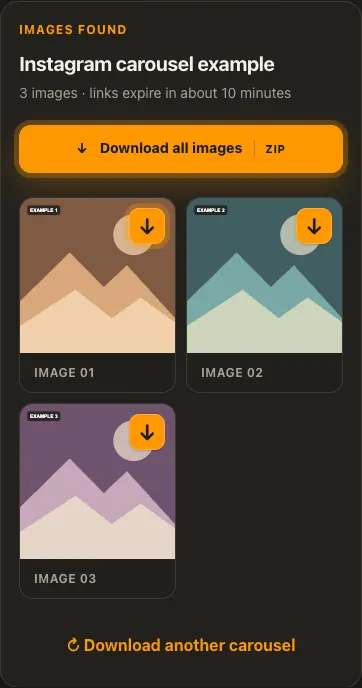
Save one image or use Download All for di ZIP.
Di pictures na examples. Wetin di source get and how fast e go load fit change.
See how e work
See di three steps for bigger screen. Na dis website we use for di examples.
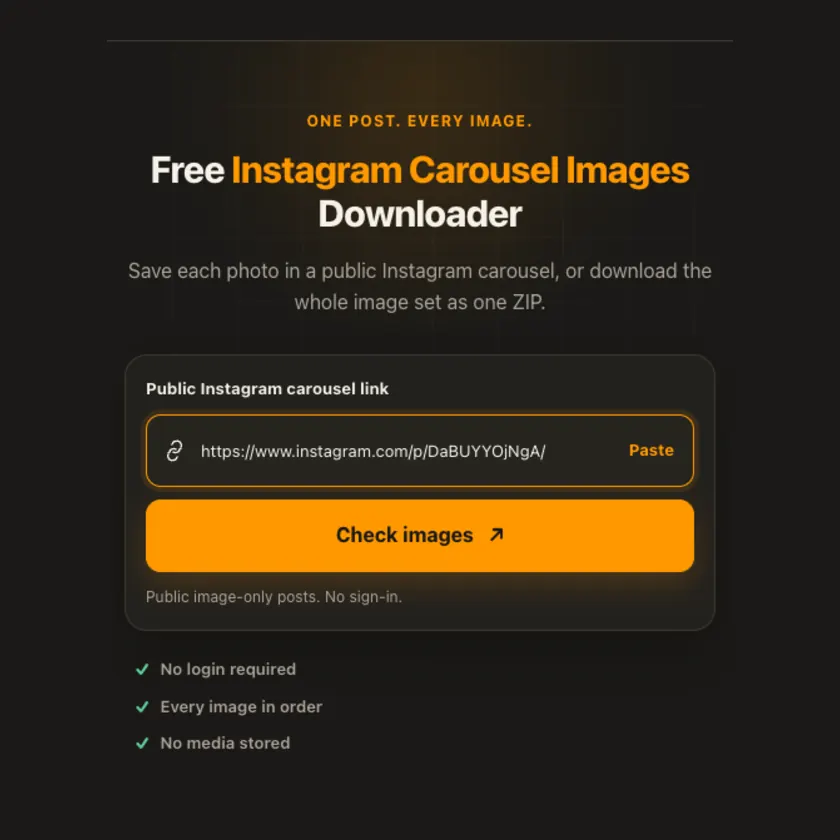
01 / Put link
Use di individual /p/ post link, no be one profile page.
02 / Pick one
Check di grid and order of photos. Dis tool no include video slides.
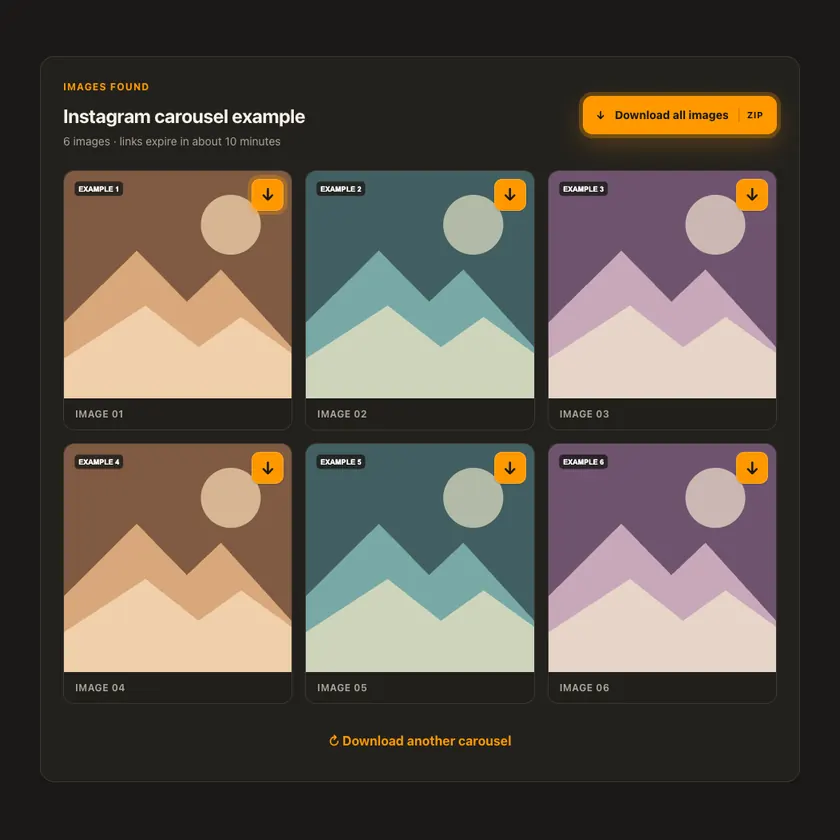
03 / Save am
Use di arrow on one image or di Download All button for ZIP.
You fit see wetin dey happen
Each image uses a short-lived source link. When you request ZIP, we assemble and stream am on demand; we no upload di photos to R2 or keep dem on disk.
Use am for phone or computer
Dis tool supports image-only carousels. If video join di post, or di account dey private, extraction no dey supported. Instagram fit block or expire signed images later.
Tap Share, then Copy link. Check Safari Downloads or di Files app for your file.
Tap Share → Copy link. Check Downloads or your browser for di ZIP or image.
Open di single post, copy im link, then check your Downloads folder.
Why dis tool fit help
Every slide stays separate, while ZIP lets you save di full image set without one-by-one clicks.
Wetin dis tool support
Public image-only Instagram carousels with two to twenty photos. Mixed video slides, private posts and Stories no dey supported.
Wetin people dey ask
Yes. We keep di order wey di public post provide.
ZIP needs every image source to still dey reachable and di complete archive to stay under di size limit.
No. Di source fit remove am, limit am by country, or block access for some time.
No. We no bypass login or privacy settings.
No. We show only di sizes wey di source provide. We no invent extra quality.
Di post fit don disappear, need login, get region limit, or di source fit block temporary access.
Normally about 15 minutes. When e expire, check di original public link again.
No. We no put prepared media for public gallery. If storage dey needed, e remain private for short time.
More download tools
See other Instagram tools and related formats wey dey available.
Pick di language wey you wan see for menu and tool pages.