iPhone & iPad
Tap Share, then Copy link. Check Safari Downloads or di Files app for your file.
 GalaxyFetch
Real looping GIF from public post
Turn public X animation to real GIF. Pick frame rate, width and colours wey suit you.

Dey check source
Dey read video details without downloading di media.
Dey check video qualities wey dey.
Pick wetin you want before transfer start
How you wan make di GIF
Di real size depend on di animation. GIF conversion stop at 20 seconds and 30 MB, or your site's lower limit.
Dey check source
Dey read video details without downloading di media.
Dey check video qualities wey dey.
E go dey ready for short time
Dis link go expire in 15:00
We no fit make am ready
Easy steps
Wetin X call GIF na often short silent MP4. Dis tool go turn supported animation into real .gif file.
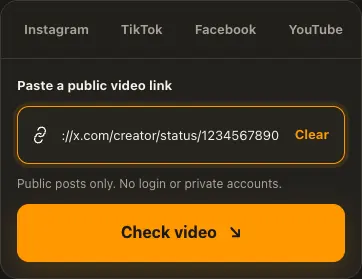
Copy public X post link wey contain animation.
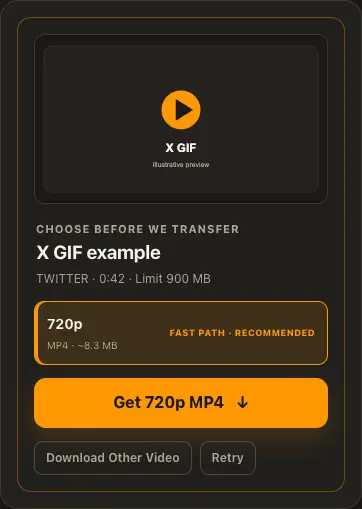
Choose balanced or set frame rate, width and colours.
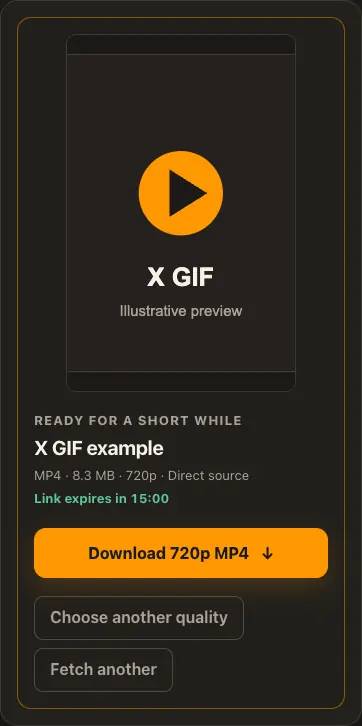
Convert, preview di looping GIF and save am.
Di pictures na examples. Wetin di source get and how fast e go load fit change.
See how e work
See di three steps for bigger screen. Na dis website we use for di examples.
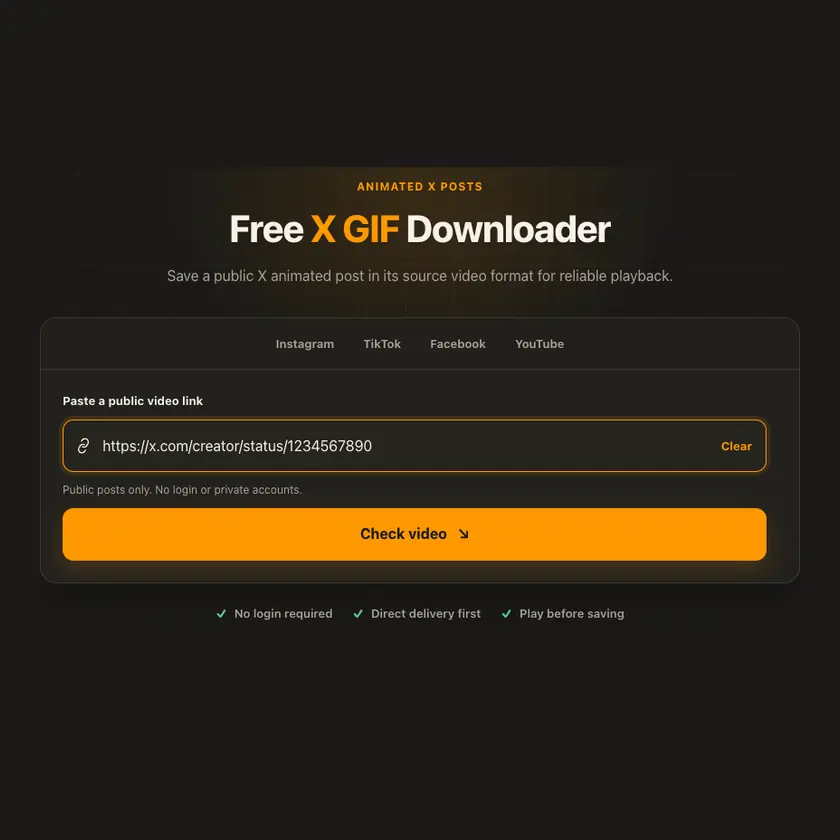
01 / Put link
Use link for animated /status/ post, no be ordinary video or image.
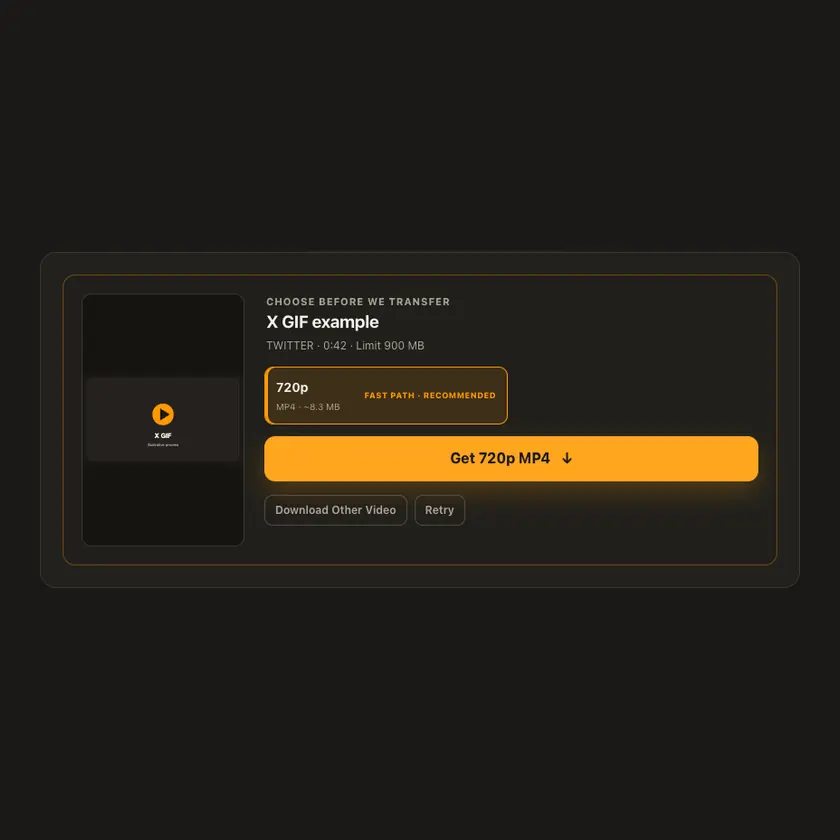
02 / Pick one
Higher frame rate and more colours fit make GIF bigger. We no upscale di source.
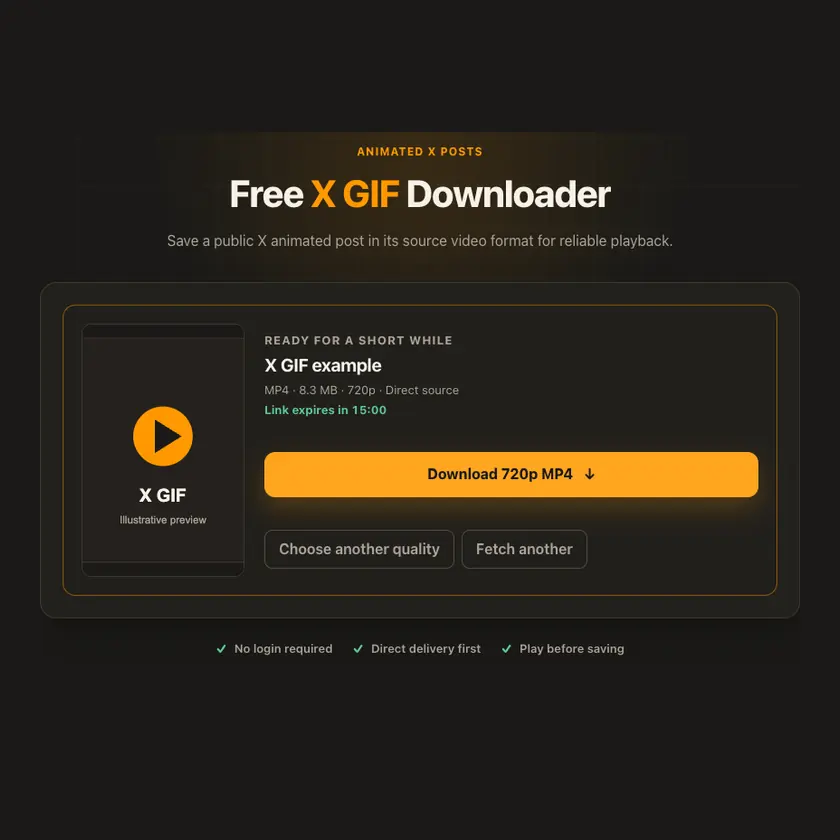
03 / Save am
Conversion uses worker CPU; save di actual .gif after preview.
You fit see wetin dey happen
Di result na looping GIF, no be MP4 wey we rename. Balanced default uses 15 fps, 480 px maximum width and 32 colours; custom settings let you trade smooth motion for size.
Use am for phone or computer
Open di animated post and copy im /status/ link. Protected or deleted post no fit work. Real GIF fit be much bigger than di original MP4.
Tap Share, then Copy link. Check Safari Downloads or di Files app for your file.
Tap Share → Copy link. Check Downloads or your browser for di GIF.
Open di single post, copy im link, then check your Downloads folder.
Why dis tool fit help
You get real GIF file and bounded settings for motion and detail, without stretching di original animation.
Wetin dis tool support
Public X/Twitter status posts with supported animated media. Protected posts and ordinary videos no dey supported by dis GIF tool.
Wetin people dey ask
X often delivers animation as silent video. Dis tool converts am to actual GIF.
GIF compression less efficient, especially with high frame rate or many colours.
15 fps, maximum width 480 px and 32 colours per frame.
No. Maximum width only caps output; we no upscale di source.
Conversion is bounded to short animation, 20 seconds and file-size limits.
No. Na content wey you fit see without login we dey check.
only if you get di rights or permission. Download no give you copyright.
No. Di source choose di size and format. We no invent missing details.
Na to protect di file. When e expire, check di public post again.
More download tools
See other X tools and related formats wey dey available.
Pick di language wey you wan see for menu and tool pages.