iPhone & iPad
Tap Share, then Copy link. Check Safari Downloads or di Files app for your file.
 GalaxyFetch
Public channel avatar
See public YouTube channel picture and save di real size wey di source get.

Dey read di public profile image.
Images wey we find
We show only images wey di source make public. We no enlarge or invent higher resolution.
Save di profile pictureEasy steps
YouTube fit show channel picture for different sizes. We go check only di image sizes wey di channel expose.
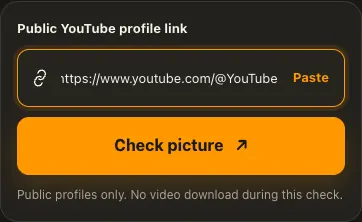
Copy di public YouTube channel or handle link.
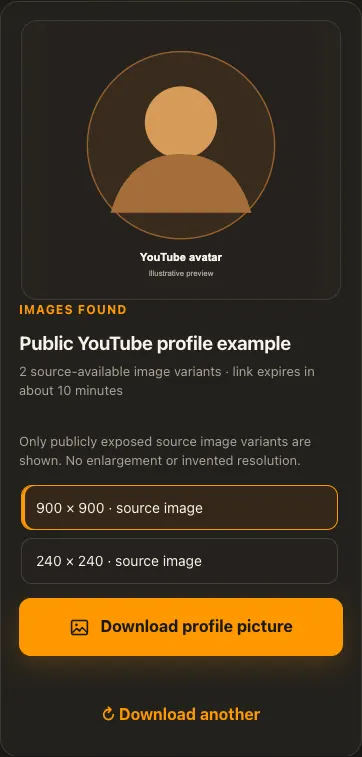
Check di profile picture sizes wey dey.
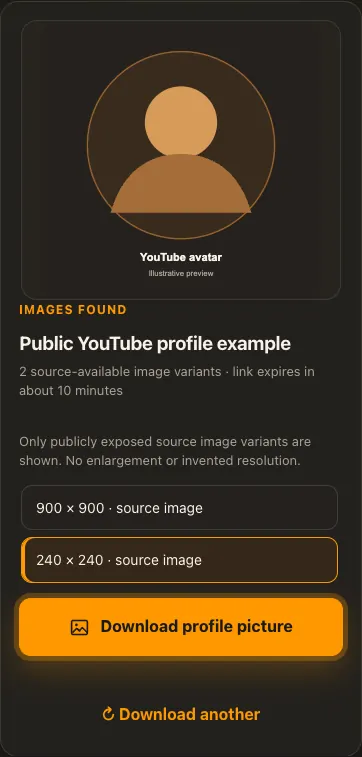
Choose one image and download am.
Di pictures na examples. Wetin di source get and how fast e go load fit change.
See how e work
See di three steps for bigger screen. Na dis website we use for di examples.
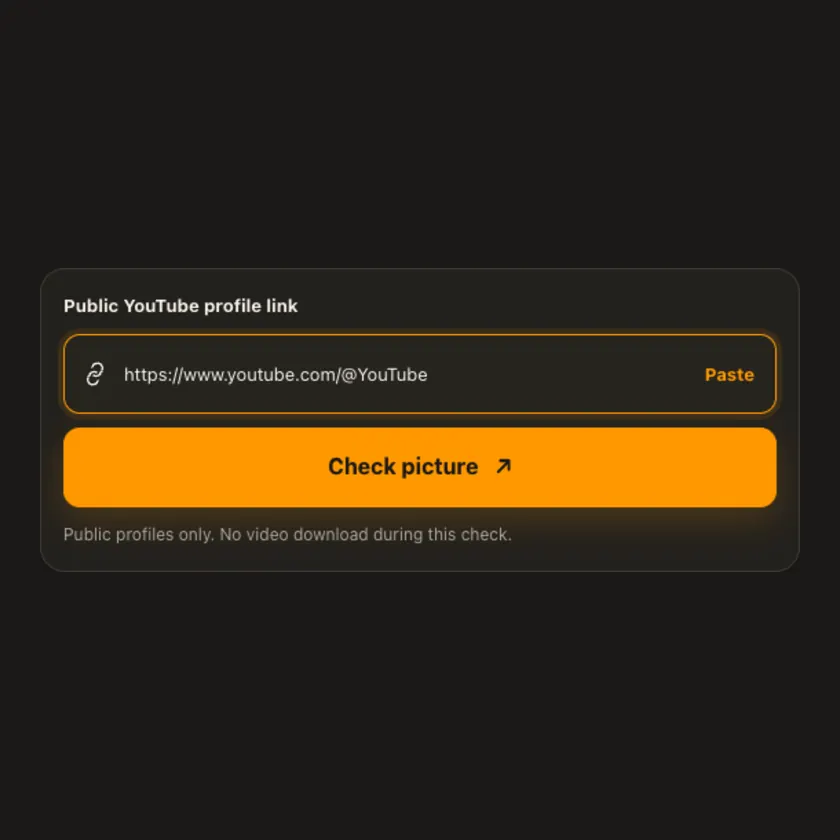
01 / Put link
Use di channel profile link, no be video watch link. Make sure di profile dey public.
02 / Pick one
See di actual picture and size before you choose. We no make fake high-resolution version.
03 / Save am
Download di image in di real format wey di source provide.
You fit see wetin dey happen
Only di selected image dey transferred. We no need video extraction or MP4 processing to save a profile picture.
Use am for phone or computer
Paste public channel or handle link. Di tool no pull channel videos, and e no promise image bigger than di source.
Tap Share, then Copy link. Check Safari Downloads or di Files app for your file.
Tap Share → Copy link. Check Downloads or your browser for di image.
Open di public profile, copy im link, then check your Downloads folder.
Why dis tool fit help
Di tool separates channel-avatar lookup from video downloads and shows only real image variants.
Wetin dis tool support
Public YouTube channel profiles and handles wey expose avatar images. Private or unavailable assets fit fail.
Wetin people dey ask
Yes, if di public handle resolve to an accessible YouTube channel.
We use di image URL wey YouTube expose for di channel; e fit be a resized version.
No. Na only profile image dis tool dey check.
No. We check only images wey di source make public.
No. We show only image versions wey di source really provide.
Every post or profile fit expose different sizes and formats.
Check di rights and ask for permission first. Download no mean free reuse.
No for public posts or profiles wey we support. Login-only images fit no work.
Source media links get expiry time. Check di original public link again.
More download tools
See other YouTube tools and related formats wey dey available.
Pick di language wey you wan see for menu and tool pages.