iPhone & iPad
Tap Share, then Copy link. Downloads appear in Safari and the Files app.
 GalaxyFetch
Public post photos, one or all.
Check a public X photo post, preview up to four attached images, then save each photo or download the set as a ZIP.

Finding the public photos in this post.
Image ready
Simple process
Copy the link to an individual public X photo post. GalaxyFetch identifies photos attached to that exact status ID, excluding profile pictures and images from replies.
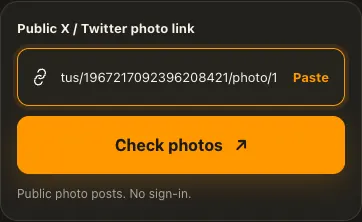
Copy the address of a public X post containing one or more photos.
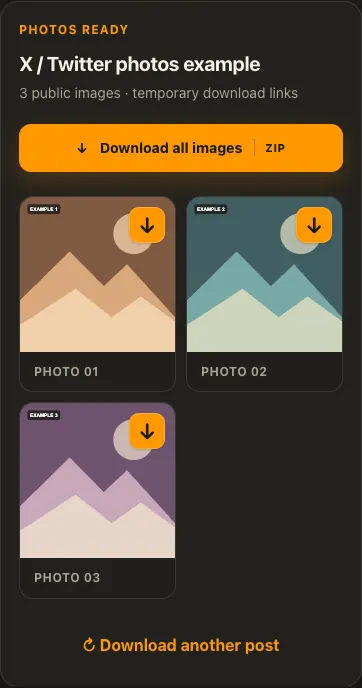
Paste the link to view the photos attached to that exact post.
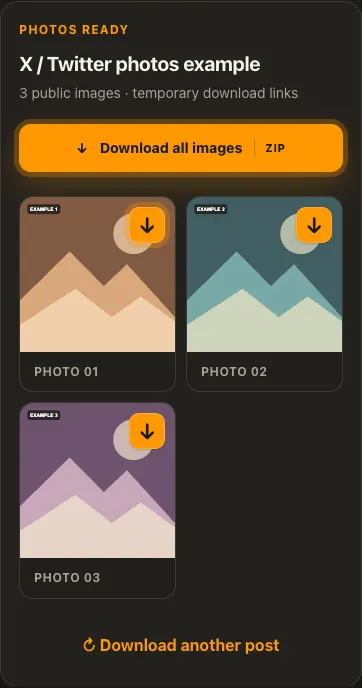
Save one image with its arrow, or download all available photos as a ZIP.
Screens are illustrative. Available media and delivery times depend on the public source.
A closer look
See the same three stages on a larger screen. Each example is captured from this website.
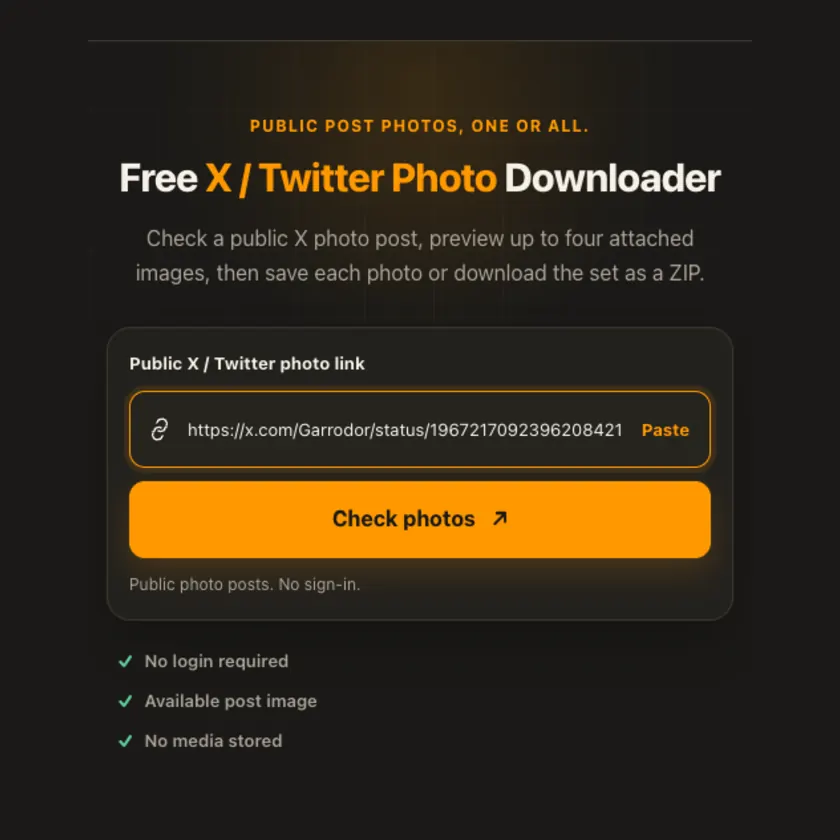
01 / Paste
Use the post address or an individual /photo/1–4 link. Both point to the parent status, so the tool can check every public photo attached to that post.
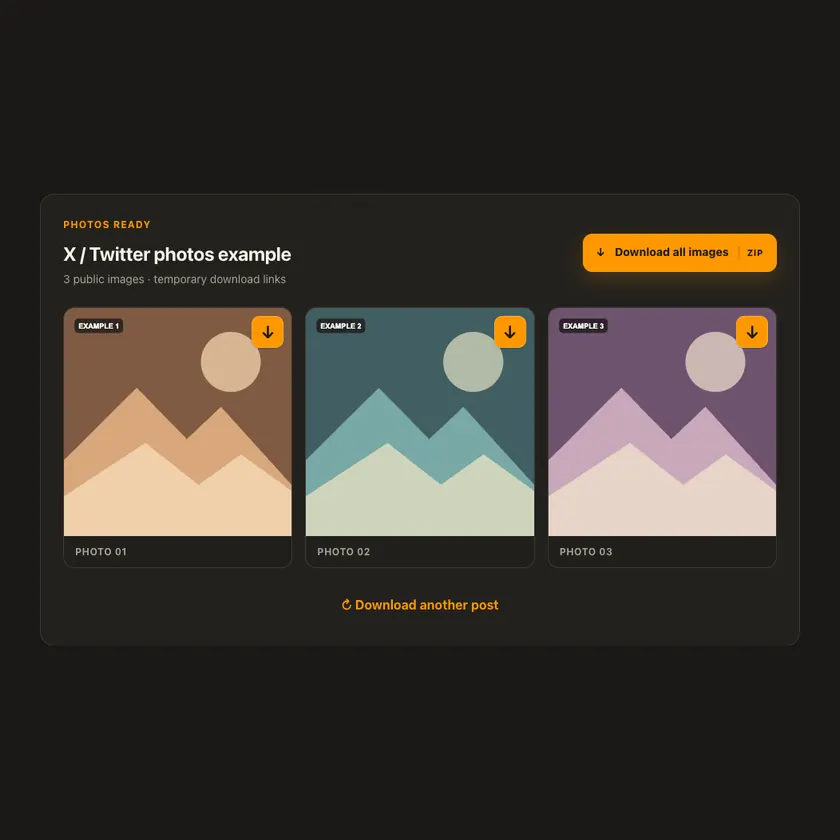
02 / Choose
The preview grid includes only image links tied to the requested status ID. It does not collect a reply image, video poster, avatar, or unrelated page asset.
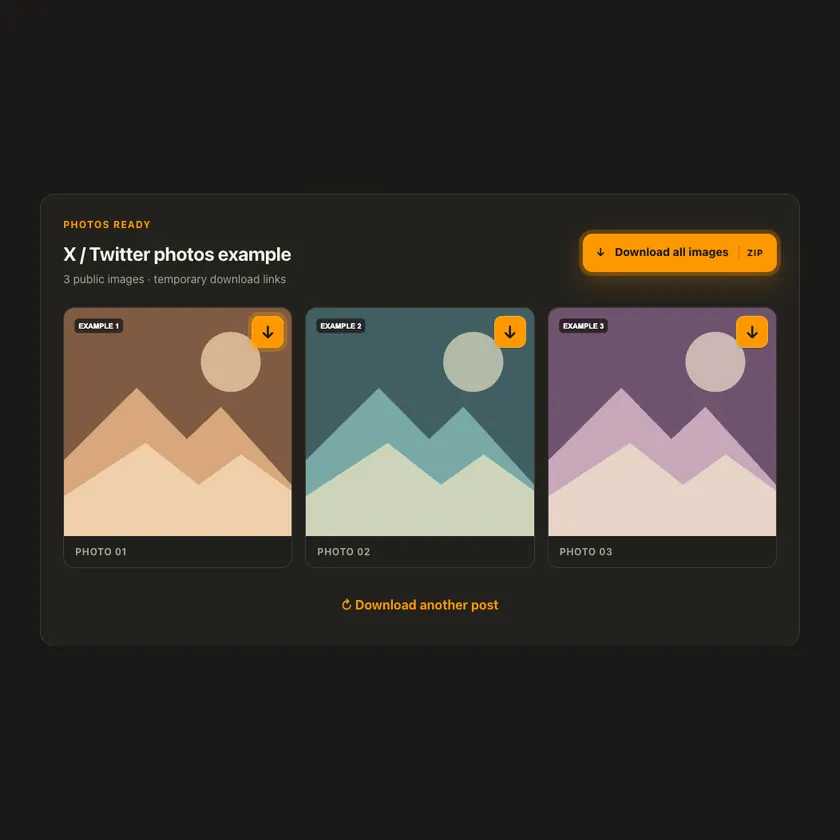
03 / Save
Each arrow streams one photo as a browser download. For posts with multiple photos, Download All creates a bounded ZIP on demand without saving an archive to storage.
Transparent by design
Public X CDN photos stream through bounded preview and download routes. ZIP files are assembled on request without uploading images to R2 or keeping a permanent copy. The source may change or restrict access later.
Works everywhere
A public post can contain up to four photos. Each image appears with a separate download arrow, and posts with multiple images offer a Download All ZIP button. GalaxyFetch checks for an original-size CDN variant; if X does not expose it, the displayed large image is used.
Tap Share, then Copy link. Downloads appear in Safari and the Files app.
Tap Share → Copy link. Find the finished image in Downloads or your browser.
Open the individual post, copy its address, then check your Downloads folder.
Why choose this tool
Exact post-ID matching prevents unrelated page images from appearing. Original-quality variants are checked before use, and multiple photos can be saved without persistent server storage.
Supported platforms
Public x.com and twitter.com status links with one to four accessible photos, including /photo/1–4 links. Protected accounts, login-only posts, GIFs, and videos are not photo sources.
Frequently asked questions
Yes. When X exposes all four photos, each has its own download button and Download All creates a ZIP of the set.
The tool checks X’s original CDN variant. If X does not expose it, the largest displayed variant available to the public is used instead.
No. It identifies the parent post, so the page shows every publicly exposed photo and lets you choose one or all.
No. This tool does not use account cookies or bypass X access controls.
No. Individual images and the ZIP stream through size-limited download routes and are not stored permanently.
No. GalaxyFetch handles only media that the source exposes publicly without an account. It never asks for your password, session cookie, or private-profile access.
No. Save only media you own or have permission to use. Copyright and the source platform rules still apply.
Desktop browsers normally save to Downloads. Android uses Downloads or the browser download list. On iPhone and iPad, check Safari Downloads and the Files app.
The post may be removed, restricted by region or age, require a login, or the source may temporarily refuse automated access. A public-looking page is not always a public media file.
More downloaders
Other formats from X / Twitter and similar tools on supported platforms.
Choose your preferred language for navigation and content.