iPhone & iPad
Tap Share, then Copy link. Downloads appear in Safari and the Files app.
 GalaxyFetch
Public YouTube images
Preview a public video’s available thumbnail sizes and save the exact JPEG or WebP image you choose.

Reading available options from the public video.
Images found
Only source-available sizes and formats are shown. No upscaling.
Download thumbnailSimple process
Paste one public YouTube video link. GalaxyFetch reads its image metadata and lists the real dimensions and formats the source exposes.
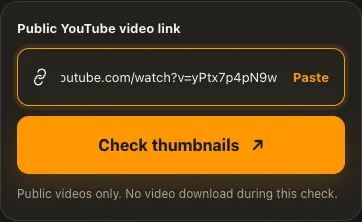
Copy the watch or Shorts link of one public YouTube video.
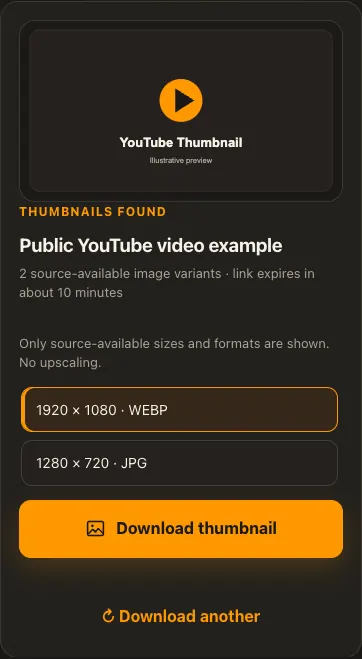
Check the real thumbnail dimensions and formats.
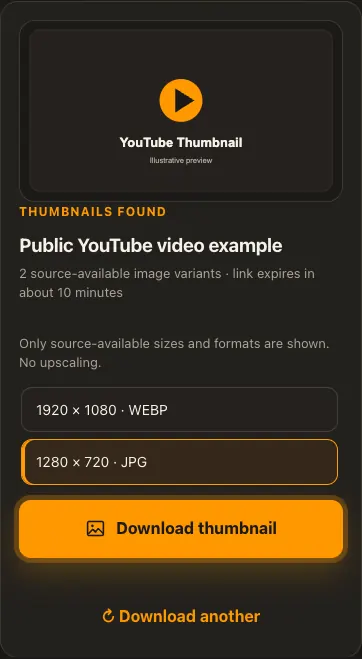
Preview the image and save your preferred available size.
Screens are illustrative. Available media and delivery times depend on the public source.
A closer look
See the same three stages on a larger screen. Each example is captured from this website.
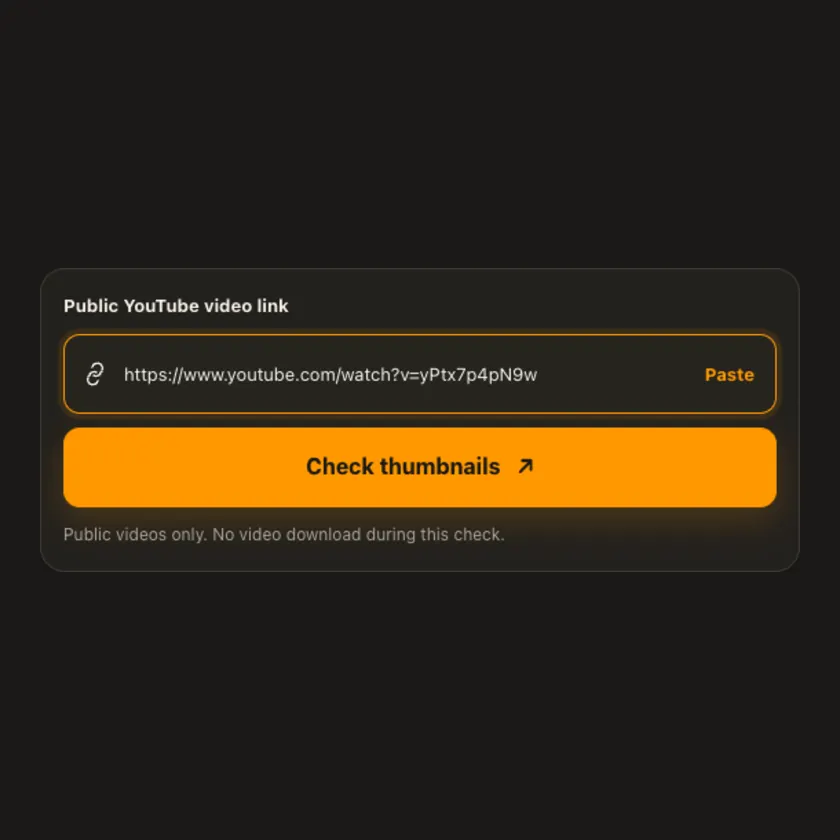
01 / Paste
Open the individual public YouTube video and copy its URL. A watch link, Shorts link, or short youtu.be share link identifies the image set for one video.
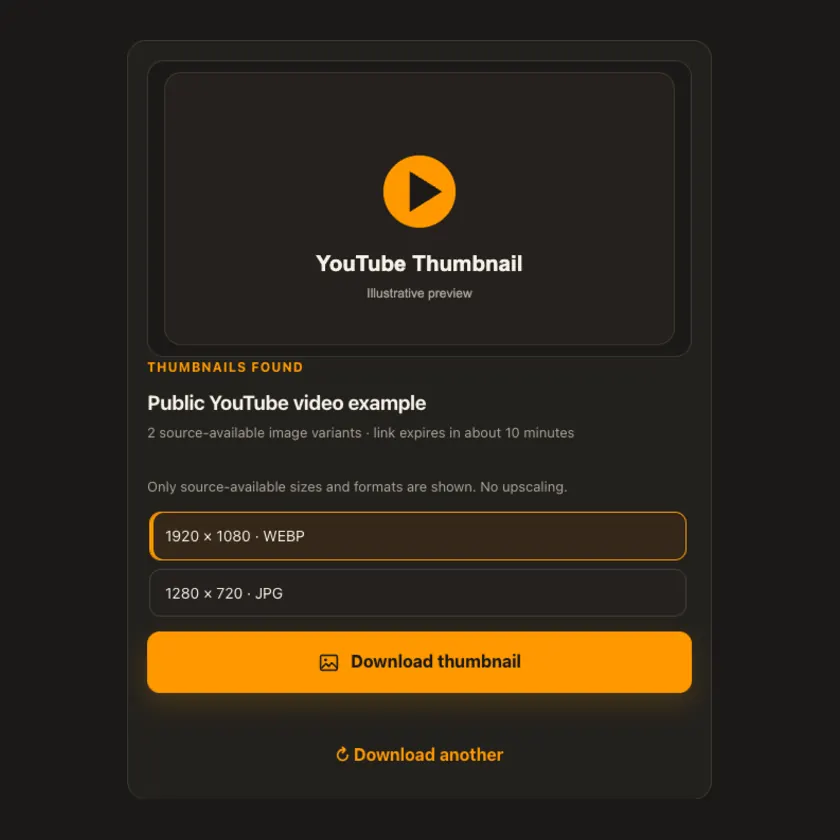
02 / Choose
Compare the listed pixel dimensions and file types. The largest source image is shown first, but some videos expose fewer sizes or only one useful format.
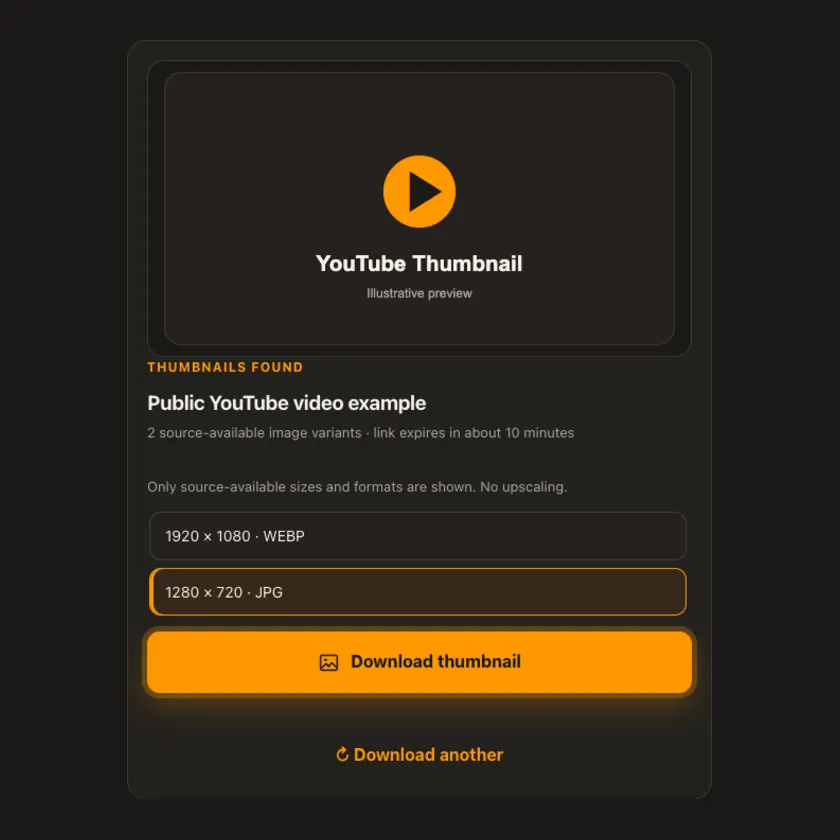
03 / Save
Save the selected image as a JPEG or WebP attachment. The download contains the source image at that size; no fake 4K label, generated pixels, or video transfer is involved.
Transparent by design
The full video is never downloaded. Thumbnail preview uses the image source, and saving streams only a small, size-limited image file without R2 storage.
Works everywhere
A thumbnail may be available in multiple sizes and image formats. Choose a listed variant; the tool never enlarges a smaller image and labels WebP separately from JPEG.
Tap Share, then Copy link. Downloads appear in Safari and the Files app.
Tap Share → Copy link. Find the finished image in Downloads or your browser.
Open the individual post, copy its address, then check your Downloads folder.
Why choose this tool
You see actual dimensions before downloading, can preview the image, and receive the source format rather than an upscaled or misleadingly relabeled file.
Supported platforms
Public YouTube watch videos and Shorts with exposed thumbnail images. Removed, restricted, private, or unavailable videos may not provide images through the source.
Frequently asked questions
No. The choice appears only if the source metadata exposes a matching image for that video. GalaxyFetch does not invent higher resolution.
No. WebP and JPEG are separate choices. The downloaded extension follows the real selected format.
No. Checking reads metadata; preview and saving involve only the selected small image.
Saving an image does not grant copyright or trademark permission. Use only content you own or are allowed to reuse.
No. GalaxyFetch handles only media that the source exposes publicly without an account. It never asks for your password, session cookie, or private-profile access.
No. Save only media you own or have permission to use. Copyright and the source platform rules still apply.
Desktop browsers normally save to Downloads. Android uses Downloads or the browser download list. On iPhone and iPad, check Safari Downloads and the Files app.
The post may be removed, restricted by region or age, require a login, or the source may temporarily refuse automated access. A public-looking page is not always a public media file.
More downloaders
Other formats from YouTube and similar tools on supported platforms.
Choose your preferred language for navigation and content.