iPhone & iPad
Tap Share, then Copy link. Downloads appear in Safari and the Files app.
 GalaxyFetch
Public video links, clear choices.
Paste a public video link to see the formats available for that post. Choose a file, preview it when supported, and download it to your device.
Checking source
Reading video information without downloading the media.
Checking available video qualities.
Choose before we transfer
Checking source
Reading video information without downloading the media.
Checking available video qualities.
Ready for a short while
Link expires in 15:00
Couldn’t prepare it
Simple process
Start with the link to one public video post. Check the formats its source offers, choose the file you want, and download it. No account or browser extension is needed to use this page.
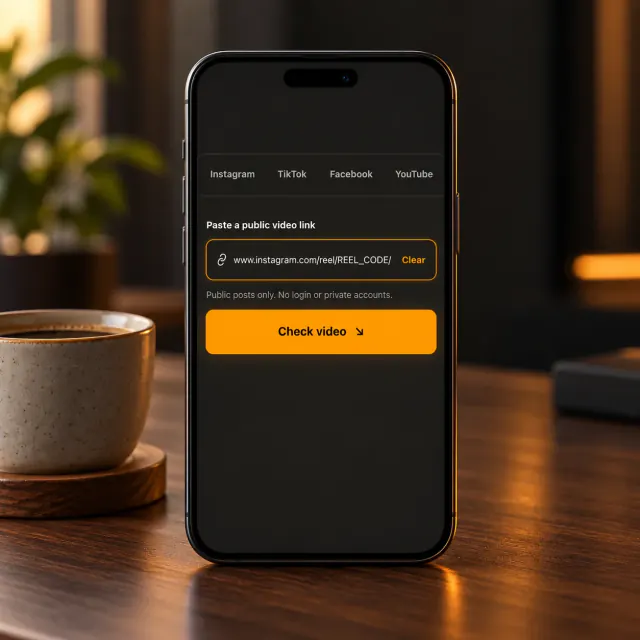
Open a public video post and copy its link.
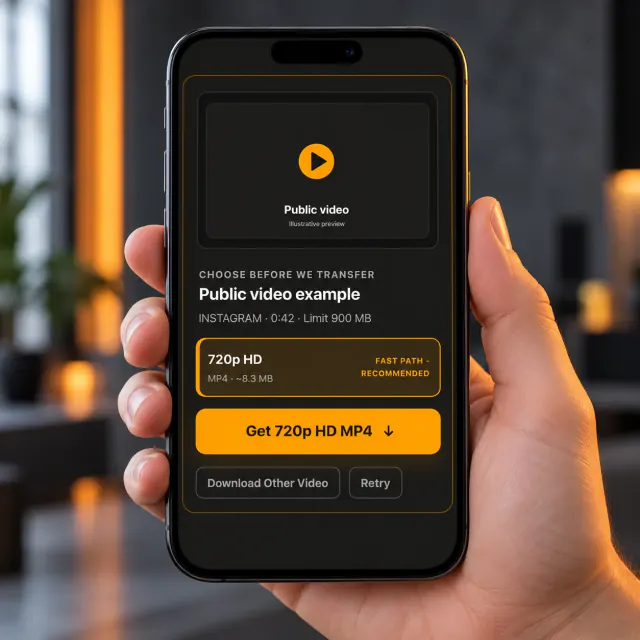
Paste the link above and review the formats shown for that post.
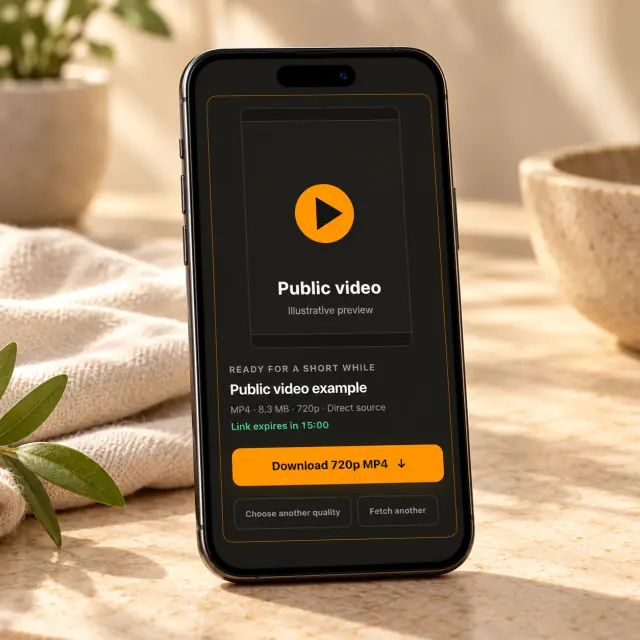
Choose a format and download the file when it is ready. Preview it first if playback is available.
Screens are illustrative. Available media and delivery times depend on the public source.
A closer look
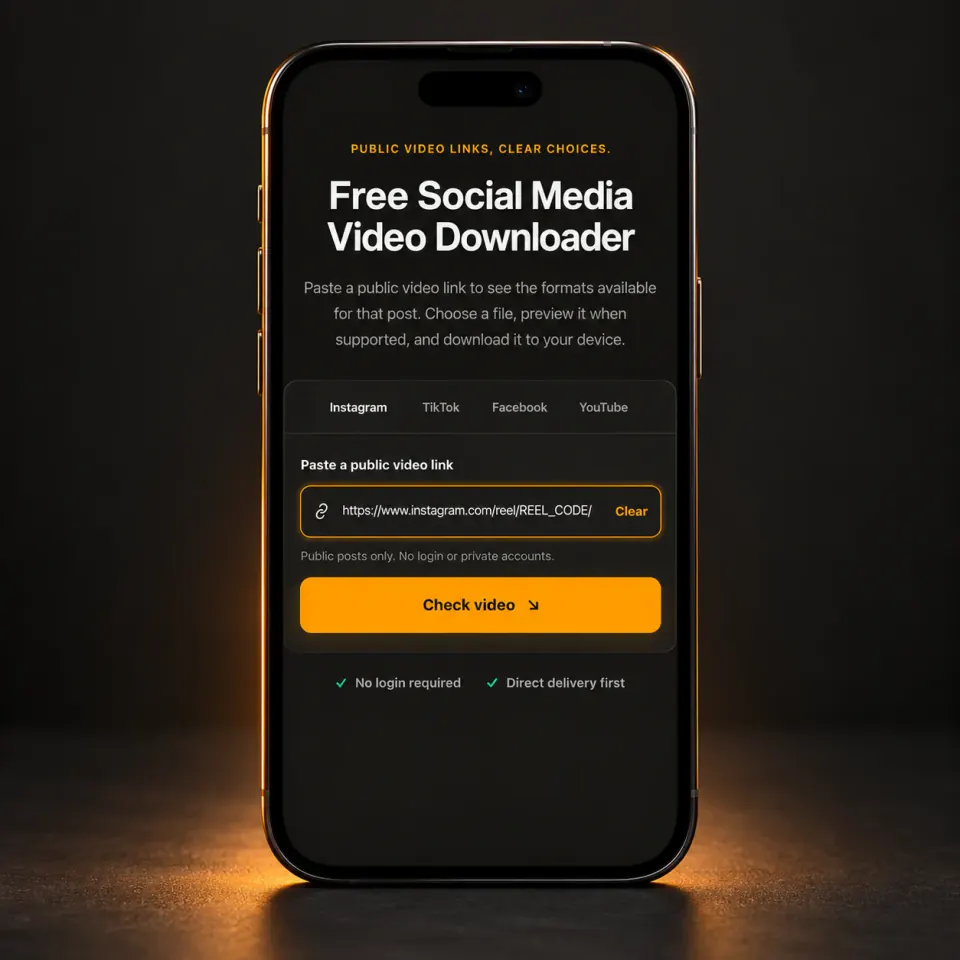
01 / Paste
Copy the address of the video post itself. A profile, feed, or search-results URL does not identify one file to check. On a phone, the post’s Share menu usually has a Copy link action.
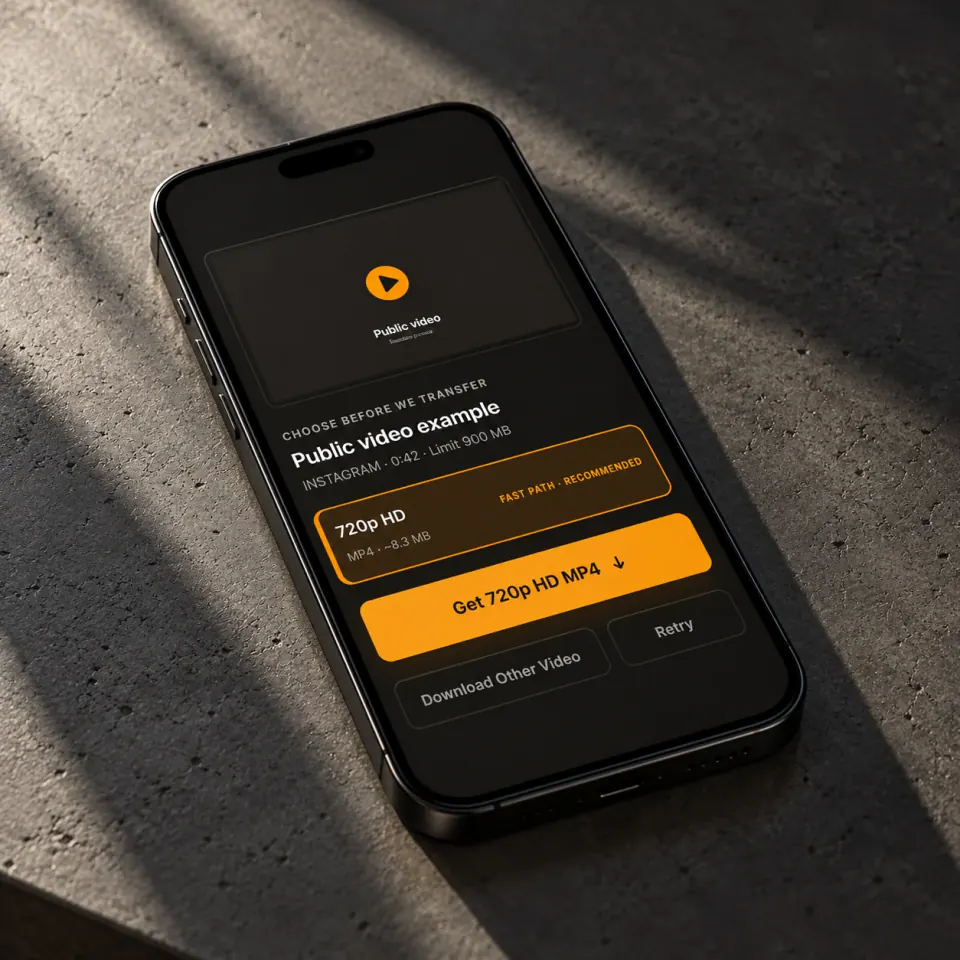
02 / Choose
Check the choices shown for that post before downloading. If the source reports a file size, compare it with the resolution. A missing quality cannot be created by changing the download setting.
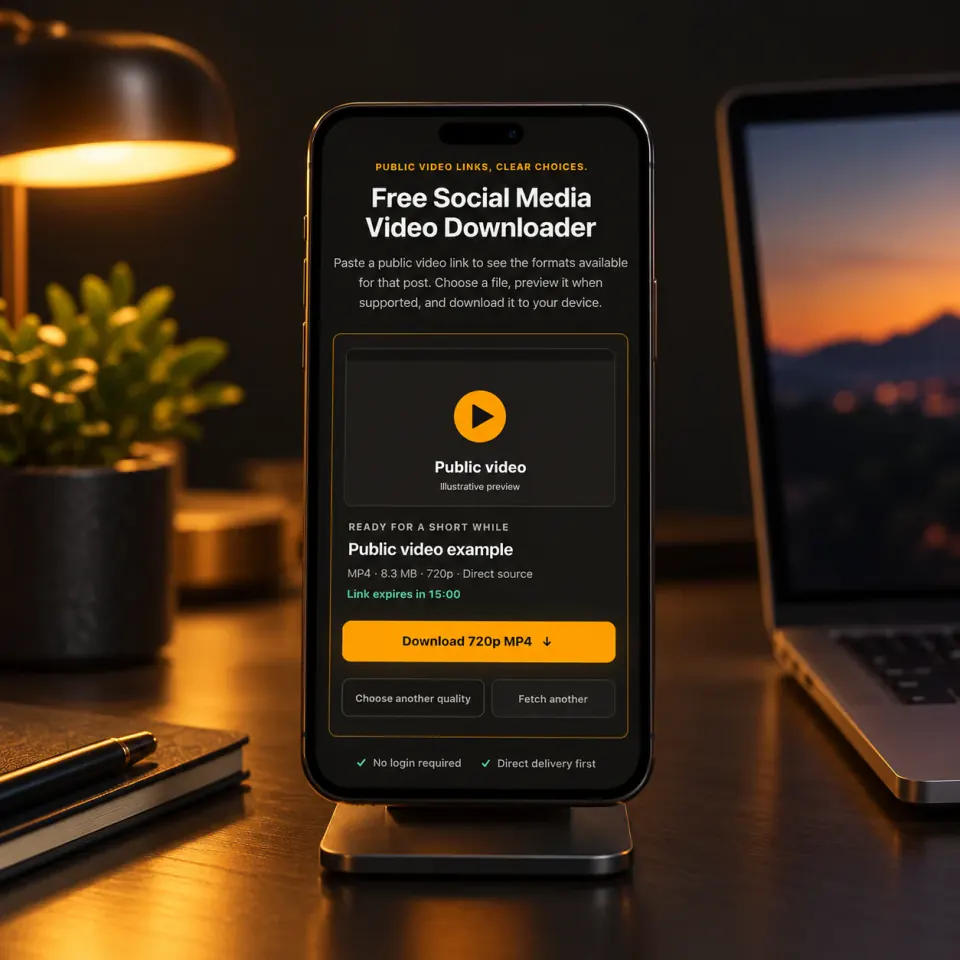
03 / Save
When preparation finishes, use the download button while the link is active. You can also play the result first if the browser supports its video format.
Transparent by design
Some sources provide a complete video file that can be delivered quickly. Others provide separate video and audio tracks that must be combined first. Preparation time depends on the source and file size.
Works everywhere
On a phone, open the video and choose Share, then Copy link. On a computer, copy the address of the individual post from your browser. Paste that address above; a profile or feed link will not identify one video.
Tap Share, then Copy link. Downloads appear in Safari and the Files app.
Tap Share → Copy link. Find the finished MP4 in Downloads or your browser.
Open the individual post, copy its address, then check your Downloads folder.
Why choose this tool
You can inspect available formats before starting a download. File size is shown when the source reports it, and transfer progress appears when bytes can be measured. The download link is temporary.
Supported platforms
This page checks individual public video posts from the platforms listed above. Private or login-only posts cannot be used here. Photos, audio, subtitles, and thumbnails have separate tools in the menu.
Frequently asked questions
Use a link to an individual public video on YouTube, Instagram, TikTok, Facebook, X, Dailymotion, Vimeo, LinkedIn, Reddit, Pinterest, or Threads. Availability depends on whether the source exposes an accessible file.
Check that the link opens an individual public video, not a profile, search page, or private post. A public page can also become unavailable if its owner removes it or the platform limits access.
The list shows formats available for that post. Some sources provide only one complete file or do not report its size. Downloading cannot add a resolution that the source does not provide.
A complete video file may be ready quickly. When the source separates video and audio, both tracks must be fetched and combined first. Larger files also take longer to prepare.
Your browser usually saves it to Downloads. On iPhone and iPad, also check Safari Downloads and the Files app.
A public post is not a grant of permission to copy or reuse it. Save only media you own or have permission to download, and respect the source platform’s terms.