iPhone & iPad
Tap Share, then Copy link. Downloads appear in Safari and the Files app.
 GalaxyFetch
Public Vimeo video
Save a publicly accessible Vimeo video in an available compatible format.

Checking source
Reading video information without downloading the media.
Checking available video qualities.
Choose before we transfer
Checking source
Reading video information without downloading the media.
Checking available video qualities.
Ready for a short while
Link expires in 15:00
Couldn’t prepare it
Simple process
Vimeo creators can control privacy, embeds, and file availability. A viewable page does not always expose a downloadable source to a public tool.
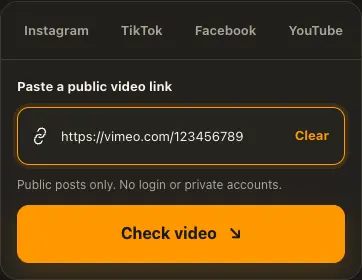
Open a public Vimeo video and copy its link.
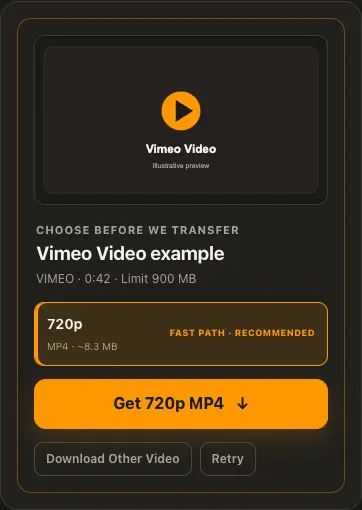
Paste it to check source-available formats.
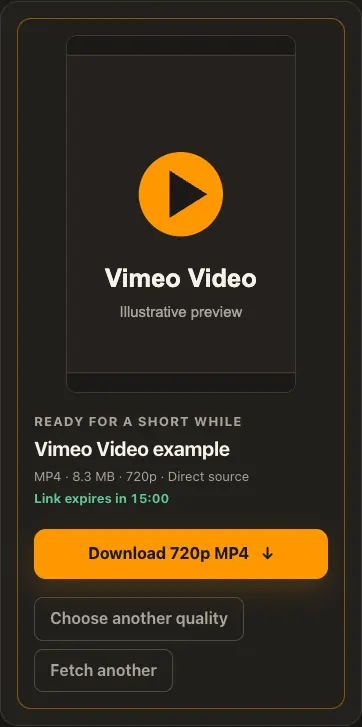
Choose an option, preview the MP4, and save only if authorized.
Screens are illustrative. Available media and delivery times depend on the public source.
A closer look
See the same three stages on a larger screen. Each example is captured from this website.
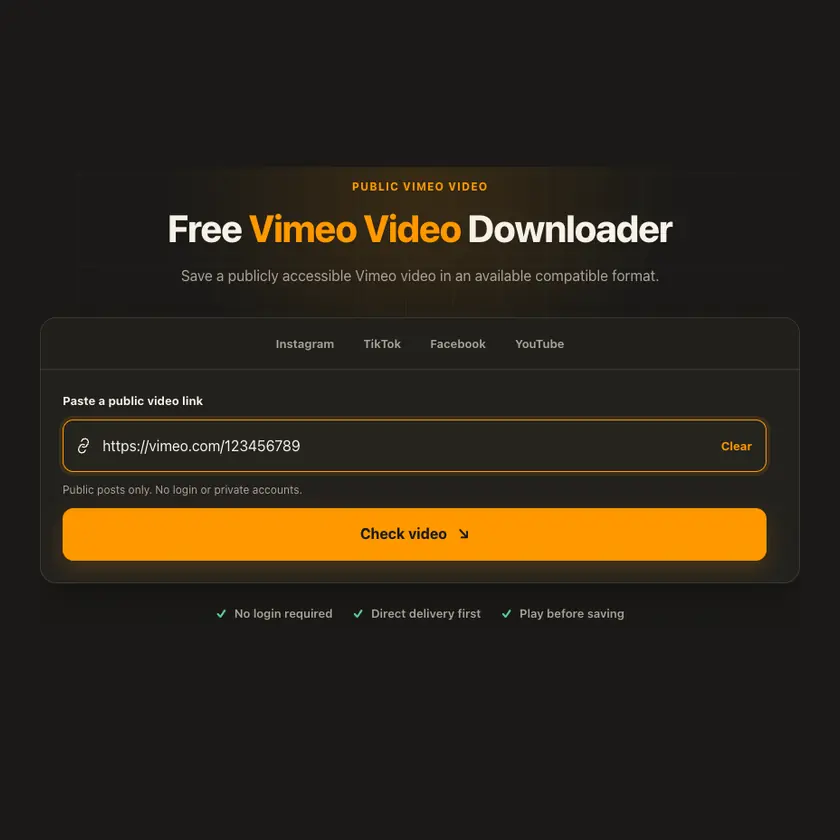
01 / Paste
Use the numerical URL of a public Vimeo video. A showcase, owner profile, or password prompt does not provide open access to the underlying media.
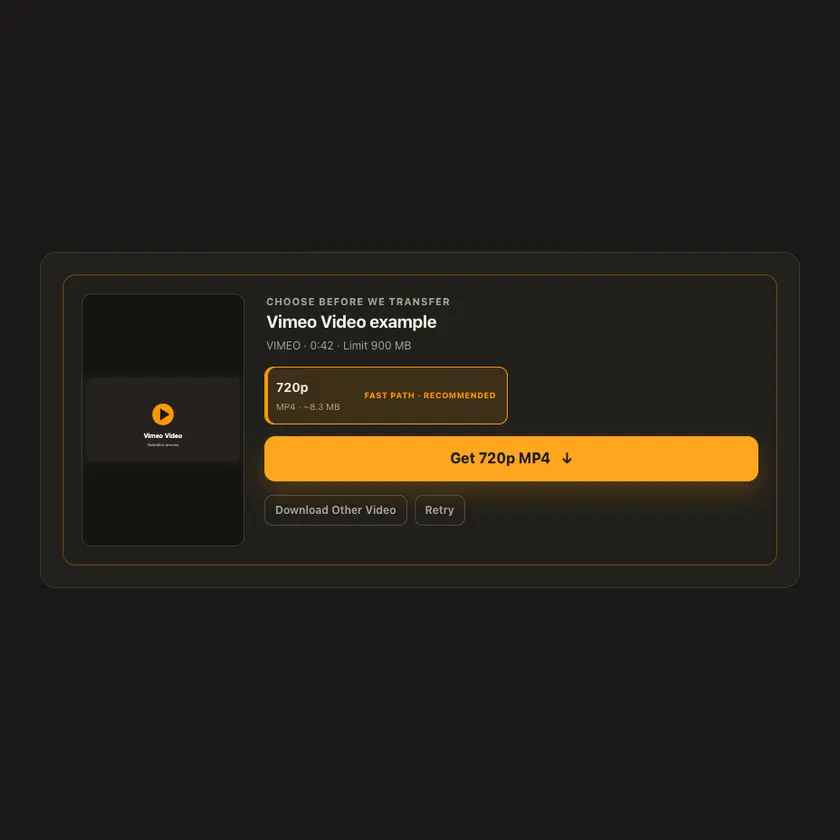
02 / Choose
Vimeo’s owner settings affect what the source exposes. The tool lists detected formats and cannot override disabled downloads or invent a file behind a password.
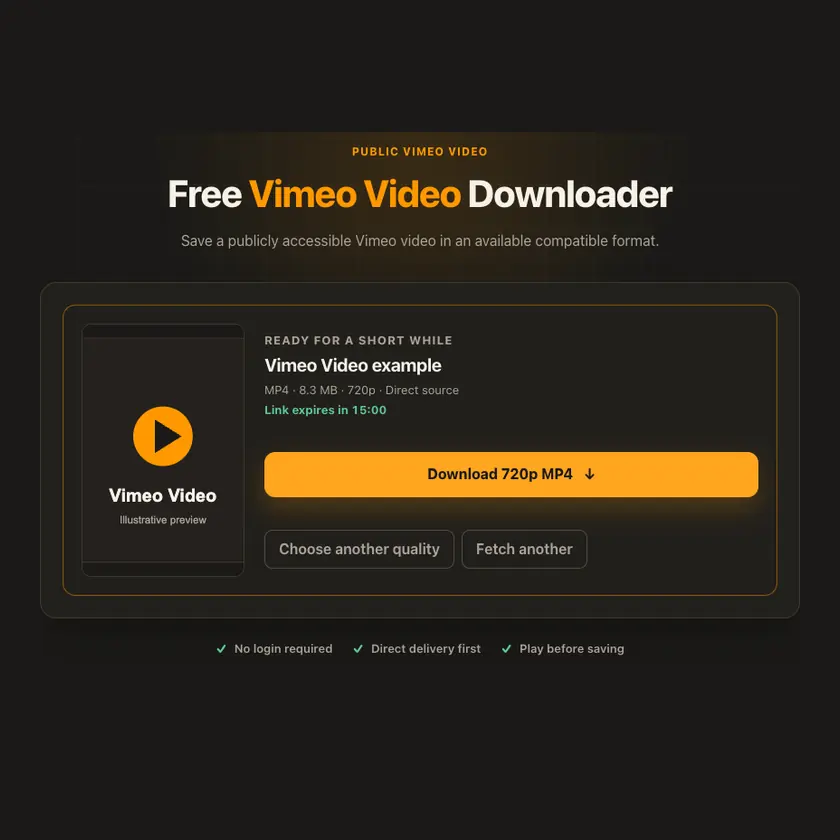
03 / Save
When a playable result is available, review it before saving the temporary attachment. Owner restrictions and expired source URLs can require another check later.
Transparent by design
The format list reflects what the source makes available. GalaxyFetch does not bypass owner permissions or invent a downloadable file when none exists.
Works everywhere
Copy the address of the individual video from Vimeo or its public share action. Videos requiring a password, account, or private embed context are unsupported.
Tap Share, then Copy link. Downloads appear in Safari and the Files app.
Tap Share → Copy link. Find the finished MP4 in Downloads or your browser.
Open the individual post, copy its address, then check your Downloads folder.
Why choose this tool
The interface respects creator privacy and shows an explicit failure when no public compatible file is available.
Supported platforms
Public Vimeo video pages with accessible media; not password-protected or private embeds.
Frequently asked questions
No. This tool does not request passwords or access protected media.
Vimeo playback and downloadable source access are different permissions. The owner or delivery setup may restrict the latter.
No. GalaxyFetch handles only media that the source exposes publicly without an account. It never asks for your password, session cookie, or private-profile access.
No. Save only media you own or have permission to use. Copyright and the source platform rules still apply.
Desktop browsers normally save to Downloads. Android uses Downloads or the browser download list. On iPhone and iPad, check Safari Downloads and the Files app.
The post may be removed, restricted by region or age, require a login, or the source may temporarily refuse automated access. A public-looking page is not always a public media file.
A prepared link is short-lived, normally about 15 minutes. If it expires, check the original public post again for a new link.
Complete source files may use direct, edge, or proxy streaming. Formats that need merging may use a private, short-lived storage object. The exact route depends on source behavior and current configuration.
More downloaders
Other formats from Vimeo and similar tools on supported platforms.
Choose your preferred language for navigation and content.