iPhone & iPad
Tap Share, then Copy link. Downloads appear in Safari and the Files app.
 GalaxyFetch
Source cover images from Threads
Preview and download the actual cover-image sizes exposed for a public Threads video post.

Reading available options from the public video.
Source cover ready
Only source-available sizes and formats are shown. No upscaling.
Download thumbnailChoose a video cover
Simple process
The video cover is a separate image from the MP4. In a multi-video Threads post, this tool groups source image variants under the video they belong to.
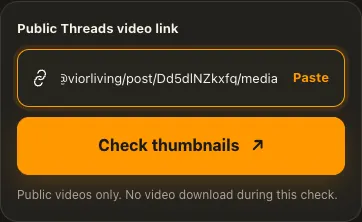
Copy a public Threads post containing a video.
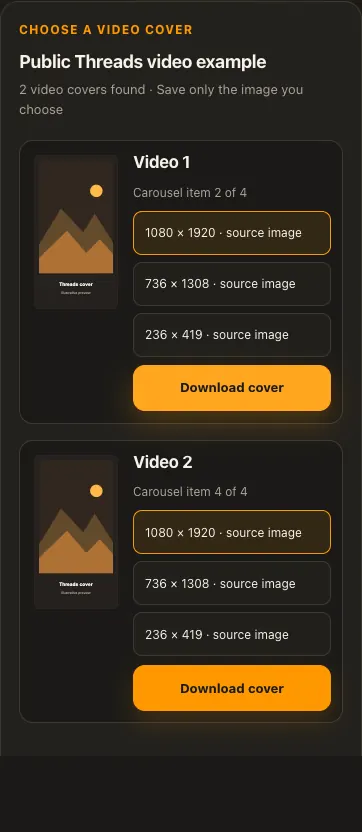
Compare the source-reported cover sizes.
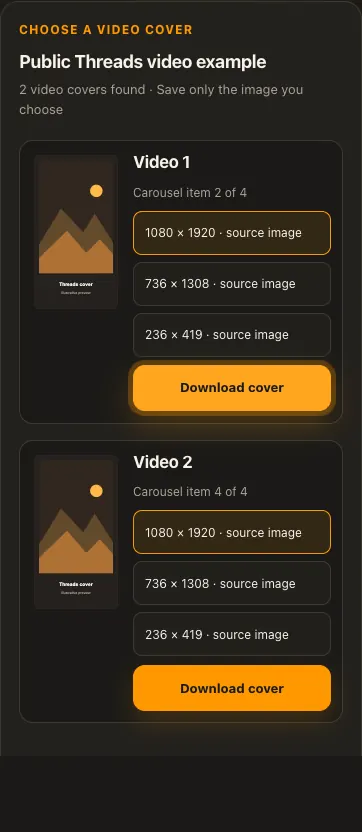
Preview and download the image you prefer.
Screens are illustrative. Available media and delivery times depend on the public source.
A closer look
See the same three stages on a larger screen. Each example is captured from this website.
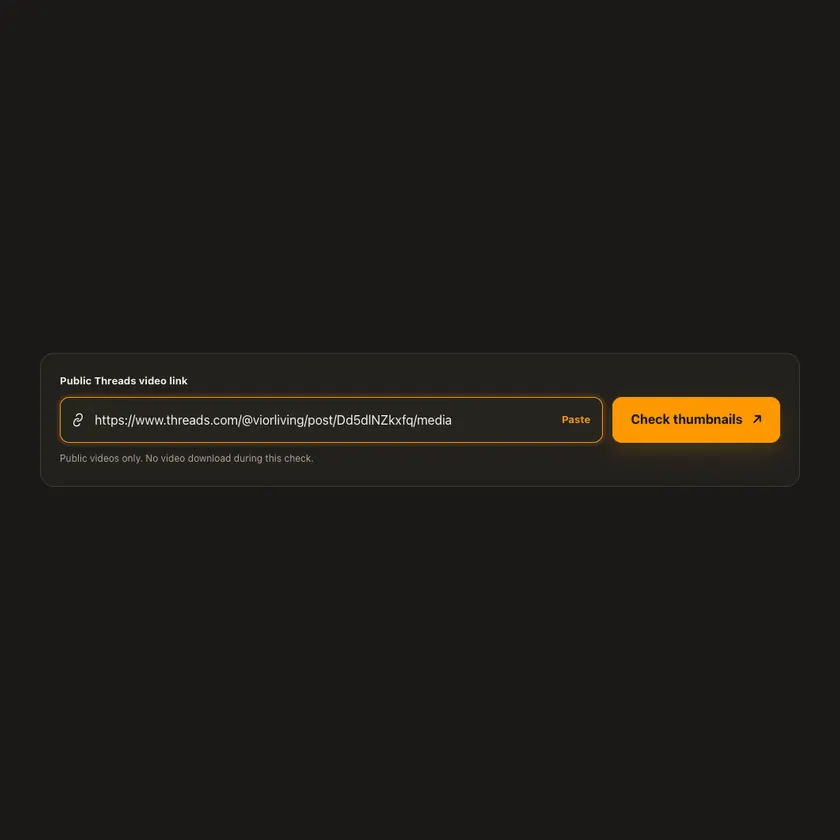
01 / Paste
Open the individual Threads video post or its /media view and copy the address. A profile link or an image-only post does not identify a video cover for this tool.
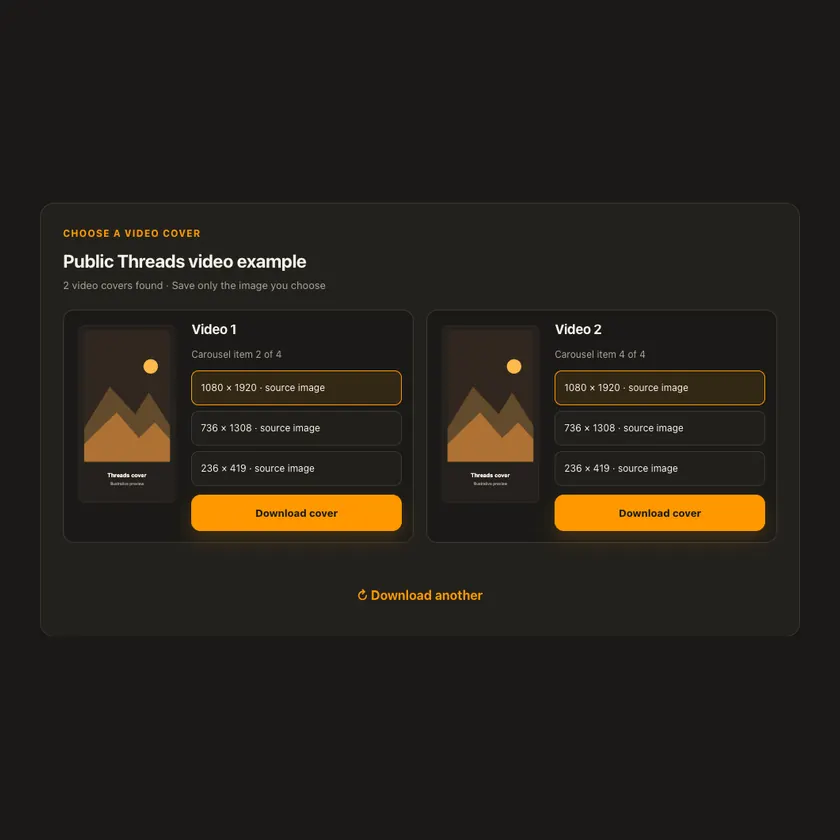
02 / Choose
The tool finds each video in the post and lists its publicly exposed cover-image dimensions under a separate card. Photos in the carousel are not treated as video covers.
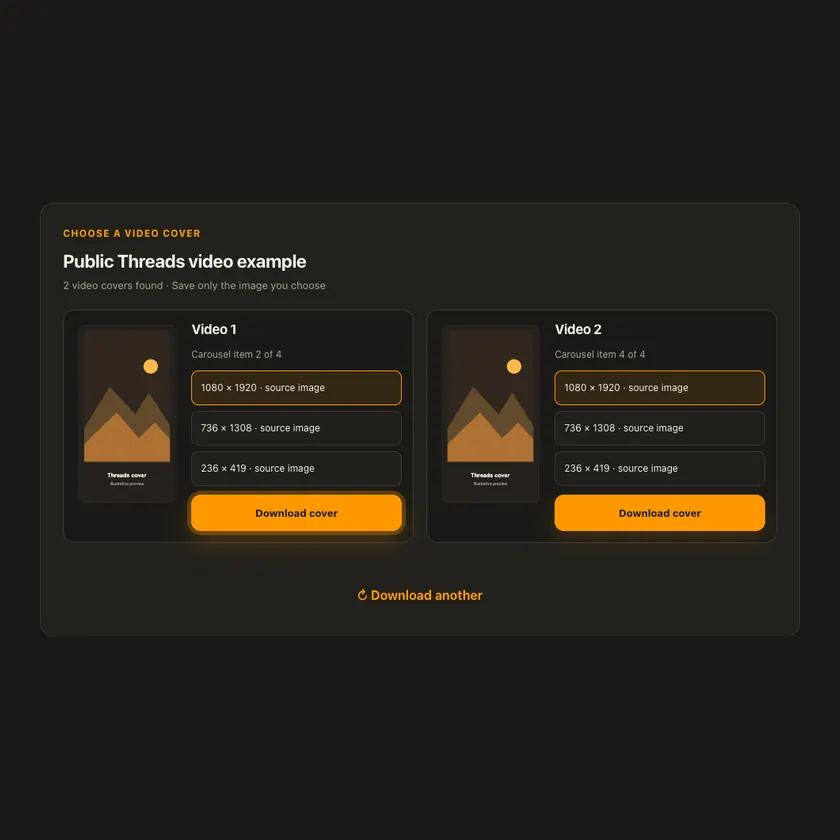
03 / Save
Choose an available size and save the validated image attachment. Only that small image crosses the download route; the video and any separate audio are never transferred.
Transparent by design
This image-only route does not download the video or run an MP3 conversion. It never enlarges the cover or promises an original image unless that variant is actually exposed.
Works everywhere
Paste a public post, /media view, or official share link. The analysis finds each video item, then shows only image URLs and dimensions found in that item’s public metadata. The chosen image is fetched on demand with host, MIME, signature, and byte-limit checks.
Tap Share, then Copy link. Downloads appear in Safari and the Files app.
Tap Share → Copy link. Find the finished image in Downloads or your browser.
Open the individual post, copy its address, then check your Downloads folder.
Why choose this tool
Post-bound image selection, visible source dimensions, and an on-demand guarded image route keep thumbnail downloads focused and predictable.
Supported platforms
Public Threads video posts exposing a JPEG, PNG, or WebP cover on Meta’s image CDN. Private posts, image-only posts, and videos without an accessible cover are unsupported.
Frequently asked questions
No. The thumbnail tool transfers only the image you choose and does not fetch the video file.
No. Each listed size comes from a cover candidate exposed by the public post metadata.
Threads can publish several portrait or square crops of the same video cover. Check the stated dimensions before saving.
Yes, if the official /share/ link resolves to an individual public video post.
Yes. Each video has its own cover card and image-size choices, so you can download one or both separately.
No. GalaxyFetch handles only media that the source exposes publicly without an account. It never asks for your password, session cookie, or private-profile access.
No. Save only media you own or have permission to use. Copyright and the source platform rules still apply.
Desktop browsers normally save to Downloads. Android uses Downloads or the browser download list. On iPhone and iPad, check Safari Downloads and the Files app.
The post may be removed, restricted by region or age, require a login, or the source may temporarily refuse automated access. A public-looking page is not always a public media file.
More downloaders
Other formats from Threads and similar tools on supported platforms.
Choose your preferred language for navigation and content.