iPhone & iPad
Tap Share, then Copy link. Downloads appear in Safari and the Files app.
 GalaxyFetch
YouTube short-form video
Save a public YouTube Short in an available browser-compatible quality with playable preview.

Checking source
Reading video information without downloading the media.
Checking available video qualities.
Choose before we transfer
Checking source
Reading video information without downloading the media.
Checking available video qualities.
Ready for a short while
Link expires in 15:00
Couldn’t prepare it
Simple process
A Short typically uses /shorts/VIDEO_ID. The same item may be shared as a short youtu.be link or a standard watch address. GalaxyFetch treats it as one video, never as a playlist.
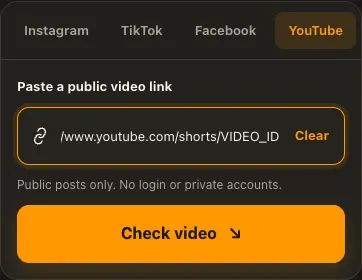
Copy the public Short link from the YouTube Share menu.
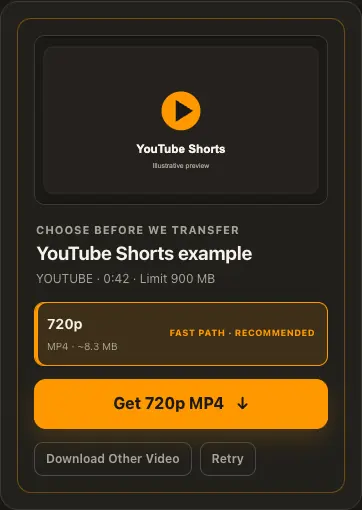
Paste it and check the actual source formats.
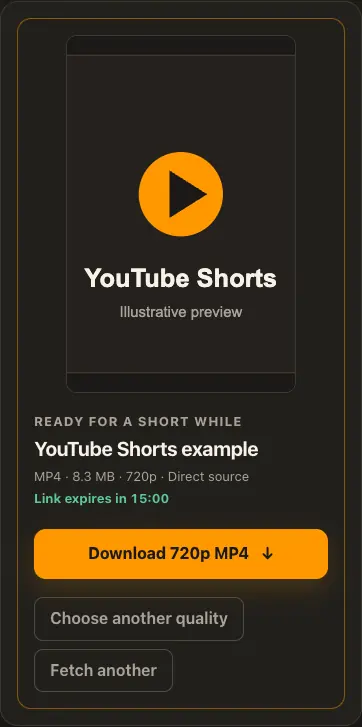
Choose an available quality, preview the result, and save it.
Screens are illustrative. Available media and delivery times depend on the public source.
A closer look
See the same three stages on a larger screen. Each example is captured from this website.
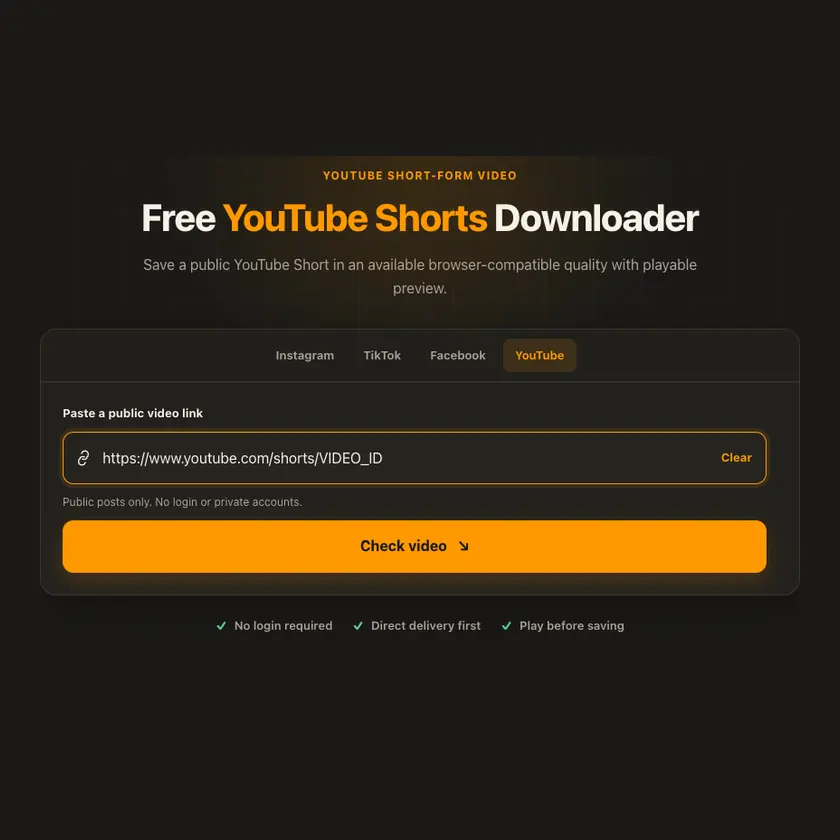
01 / Paste
Open the individual Short and copy its /shorts/ link. A channel page or feed is not enough to tell the extractor which vertical video to inspect.
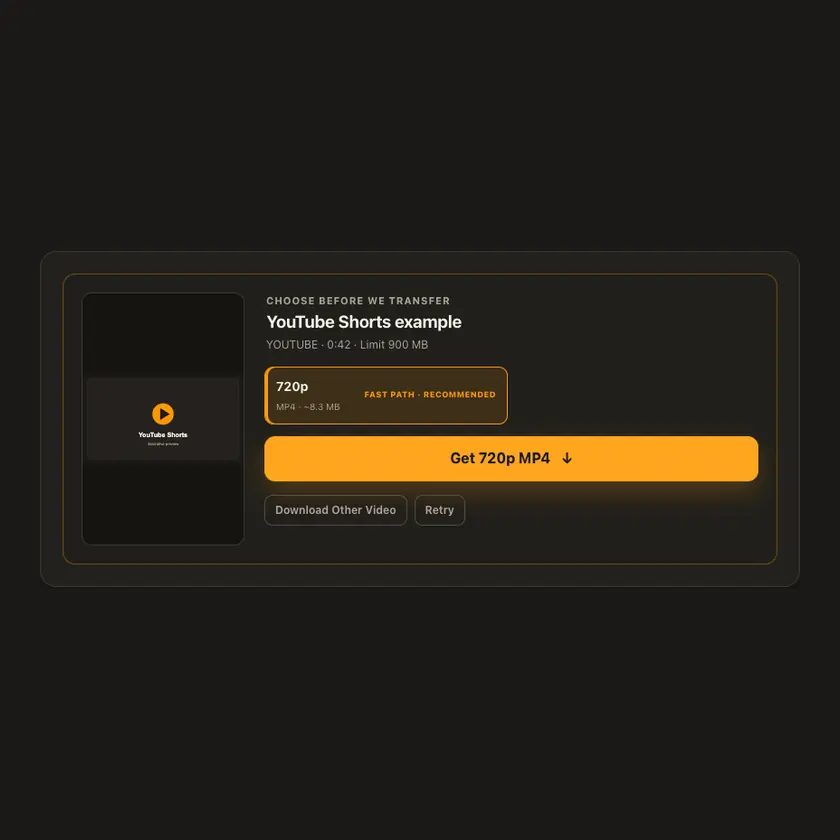
02 / Choose
The source may offer portrait video and audio as separate tracks. GalaxyFetch lists only detected choices and prepares a combined file when a single MP4 is unavailable.
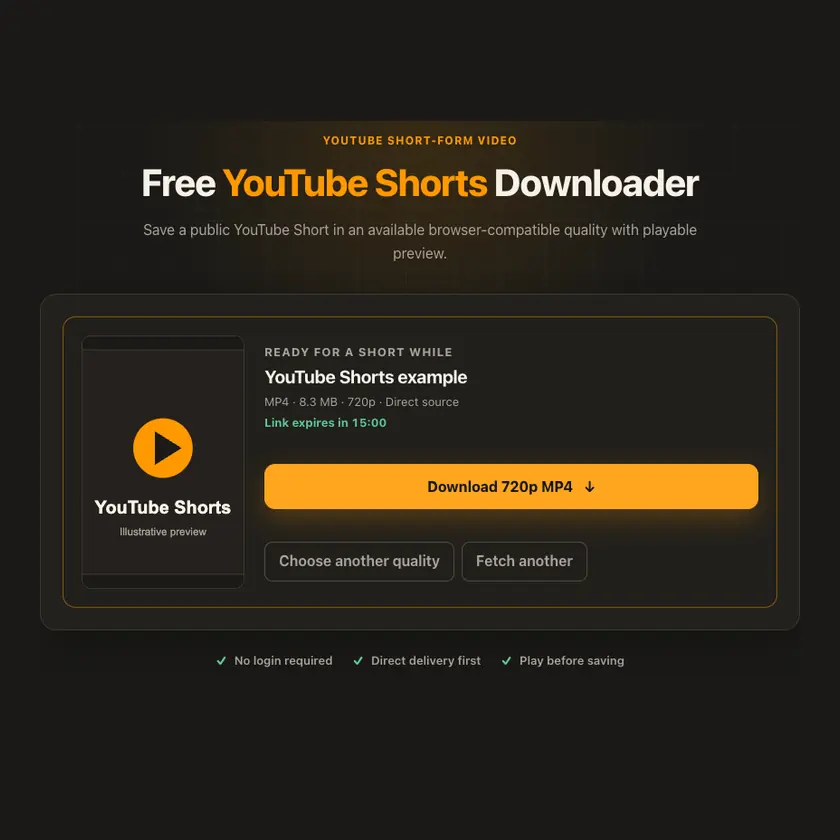
03 / Save
Review the ready Short in the browser, then save before the temporary link expires. If the source blocks extraction, changing the quality label cannot bypass that restriction.
Transparent by design
Shorts can also use separate video and audio tracks. Available formats are inspected first; compatible complete MP4s take a fast route, while adaptive qualities require a merge.
Works everywhere
Tap Share → Copy link in the YouTube app. On desktop, copy the Shorts page address. Public availability and format choices can differ across regions and over time.
Tap Share, then Copy link. Downloads appear in Safari and the Files app.
Tap Share → Copy link. Find the finished MP4 in Downloads or your browser.
Open the individual post, copy its address, then check your Downloads folder.
Why choose this tool
Shorts-specific guidance avoids confusing a channel or playlist link with a single short video.
Supported platforms
Public YouTube /shorts/, watch, and youtu.be links to a single Short.
Frequently asked questions
No. A high-resolution or long Short can still be large. Use the displayed size information and current limit when choosing quality.
Yes, if it resolves to the same public single video. The source determines which formats are available.
No. GalaxyFetch handles only media that the source exposes publicly without an account. It never asks for your password, session cookie, or private-profile access.
No. Save only media you own or have permission to use. Copyright and the source platform rules still apply.
Desktop browsers normally save to Downloads. Android uses Downloads or the browser download list. On iPhone and iPad, check Safari Downloads and the Files app.
The post may be removed, restricted by region or age, require a login, or the source may temporarily refuse automated access. A public-looking page is not always a public media file.
A prepared link is short-lived, normally about 15 minutes. If it expires, check the original public post again for a new link.
Complete source files may use direct, edge, or proxy streaming. Formats that need merging may use a private, short-lived storage object. The exact route depends on source behavior and current configuration.
More downloaders
Other formats from YouTube and similar tools on supported platforms.
Choose your preferred language for navigation and content.