iPhone & iPad
Tap Share, then Copy link. Downloads appear in Safari and the Files app.
 GalaxyFetch
Threads public media
Preview and save the public avatar a Threads profile exposes, without signing in.

Reading the public profile image.
Profile picture ready
Only publicly exposed source image variants are shown. No enlargement or invented resolution.
Download profile pictureChoose a video cover
Simple process
A Threads profile picture is separate from the photos in its posts. Paste an individual public profile URL to check its current avatar.
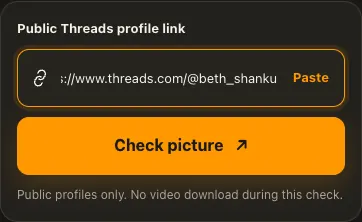
Copy the public Threads profile URL.
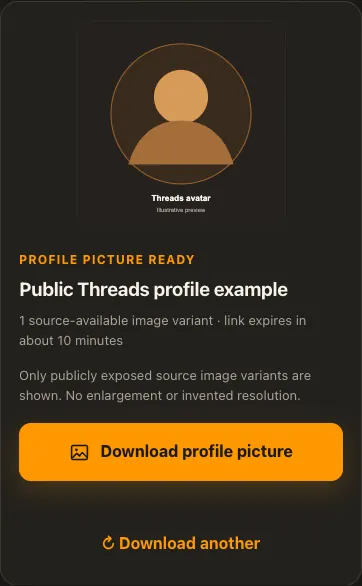
Check the avatar and its available size.
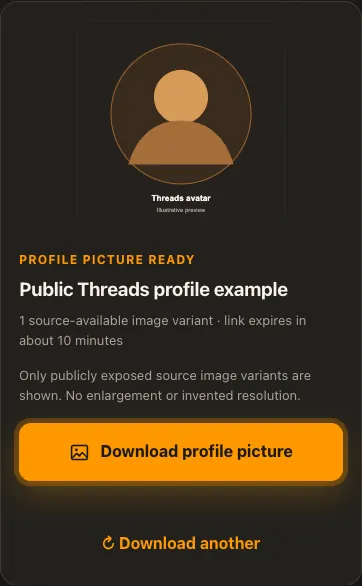
Preview and save the image to your device.
Screens are illustrative. Available media and delivery times depend on the public source.
A closer look
See the same three stages on a larger screen. Each example is captured from this website.
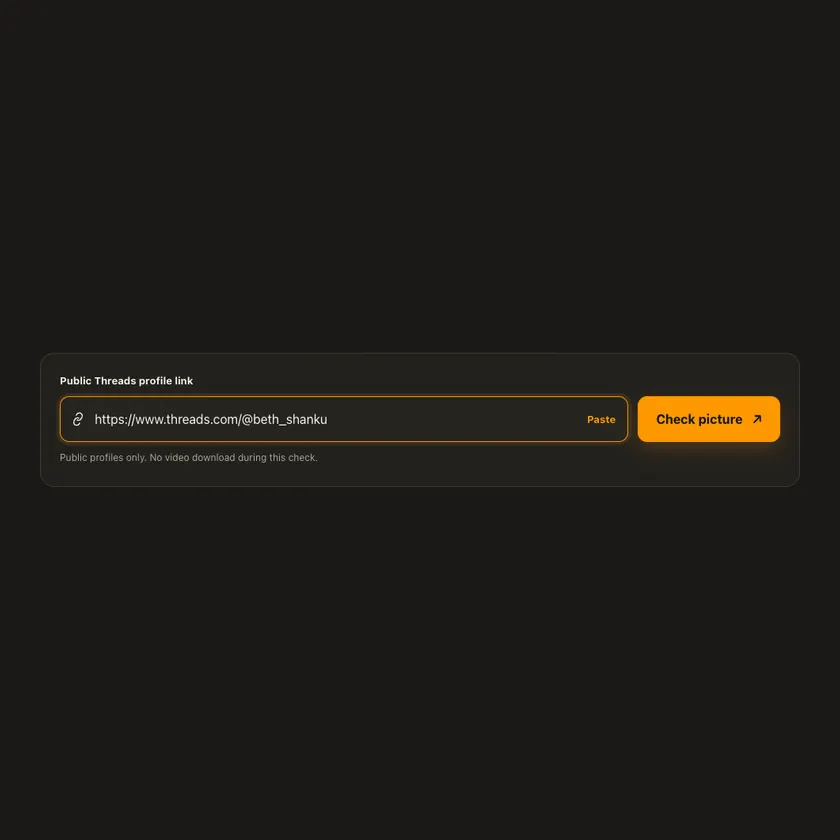
01 / Paste
Open a public profile such as threads.com/@beth_shanku and copy its address. A post or /share/ link belongs in the post-image tools instead.
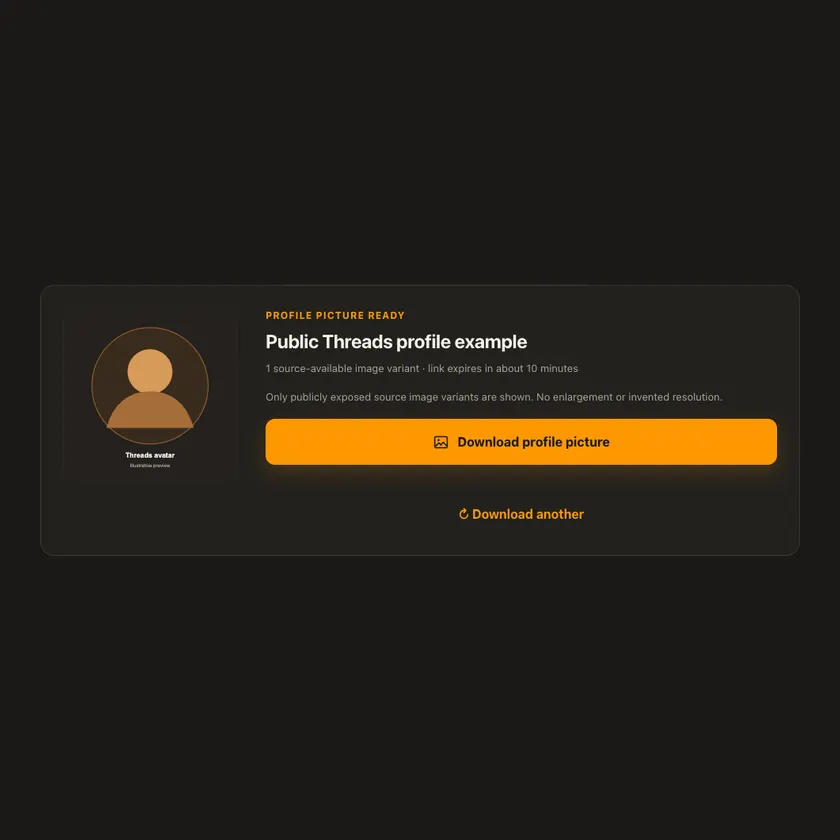
02 / Choose
After checking, the card shows the avatar that Threads currently exposes for that handle. If its public metadata does not identify a picture, the tool explains that limitation instead of showing another user’s image.
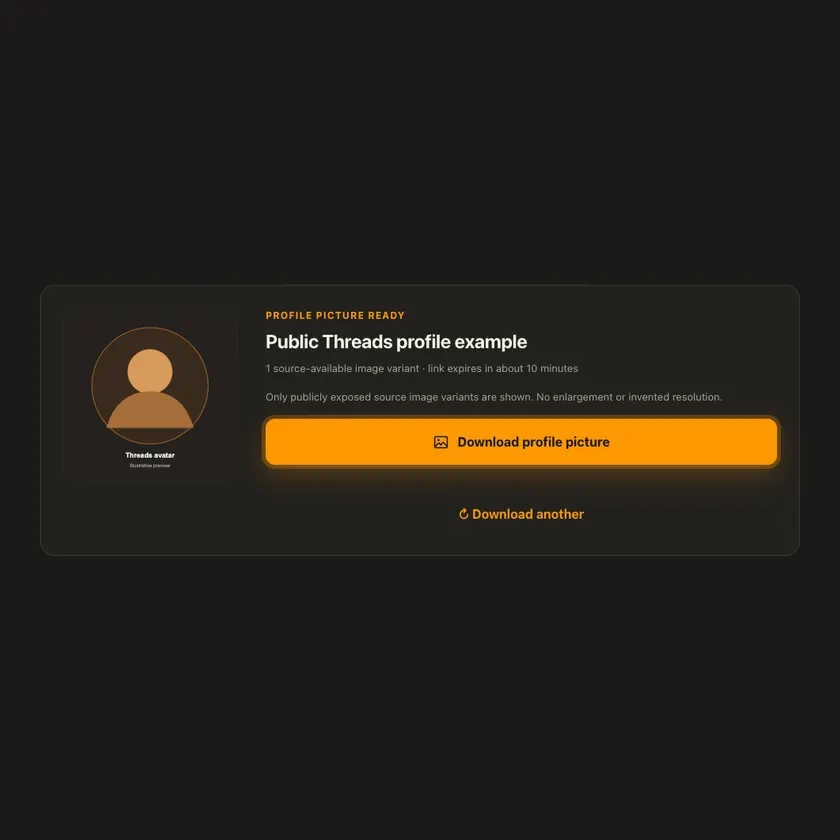
03 / Save
Save the image attachment. The download route verifies the CDN host, image MIME type, file signature, and byte limit before it reaches your browser.
Transparent by design
The profile check reads bounded HTML and a small image header. The picture is streamed only when you preview or save it; no video worker, MP3 conversion, login cookie, or permanent storage is involved.
Works everywhere
GalaxyFetch reads the public profile page and verifies that its image metadata belongs to the requested handle. Only the source image actually exposed by Threads is offered; there is no enlargement or guessed HD variant.
Tap Share, then Copy link. Downloads appear in Safari and the Files app.
Tap Share → Copy link. Find the finished image in Downloads or your browser.
Open the public profile, copy its address, then check your Downloads folder.
Why choose this tool
The image is tied to the requested public handle, has a guarded download route, and is never mislabeled as a higher-resolution original.
Supported platforms
Public threads.com/@handle and threads.net/@handle profiles whose public page exposes a reachable image on Meta’s image CDN. Private or unavailable profiles are not supported.
Frequently asked questions
No. This tool checks only profile image metadata available publicly without signing in.
Not necessarily. The tool offers the image Threads exposes publicly, often a square 640 × 640 variant, without promising a hidden original.
Use the Threads Image Downloader or Carousel Images Downloader for photos inside a post. This page expects a profile URL.
No. GalaxyFetch handles only media that the source exposes publicly without an account. It never asks for your password, session cookie, or private-profile access.
No. Save only media you own or have permission to use. Copyright and the source platform rules still apply.
Desktop browsers normally save to Downloads. Android uses Downloads or the browser download list. On iPhone and iPad, check Safari Downloads and the Files app.
The post may be removed, restricted by region or age, require a login, or the source may temporarily refuse automated access. A public-looking page is not always a public media file.
A prepared link is short-lived, normally about 15 minutes. If it expires, check the original public post again for a new link.
Complete source files may use direct, edge, or proxy streaming. Formats that need merging may use a private, short-lived storage object. The exact route depends on source behavior and current configuration.
More downloaders
Other formats from Threads and similar tools on supported platforms.
Choose your preferred language for navigation and content.