iPhone & iPad
Tap Share, then Copy link. Downloads appear in Safari and the Files app.
 GalaxyFetch
Cover images from public LinkedIn videos
Check a public LinkedIn video post, preview its genuine video cover, and download the source image.

Reading the clean cover from this public post.
Source cover ready
This is the clean image LinkedIn provides for this video. No play-button overlay or video file is included.
Download thumbnailSimple process
Paste one individual public LinkedIn video post or its lnkd.in share link. GalaxyFetch checks cover-image metadata without downloading the video.
Copy an individual public LinkedIn video post or lnkd.in link.
Preview the clean cover LinkedIn provides for that video.
Save the image in the actual format served by LinkedIn.
Screens are illustrative. Available media and delivery times depend on the public source.
A closer look
See the same three stages on a larger screen. Each example is captured from this website.
01 / Paste
Use a specific /posts/ or /feed/update/ video address. Country-code LinkedIn hosts such as pk.linkedin.com and in.linkedin.com are normalized to the main post URL. A lnkd.in link is accepted only if it resolves to a LinkedIn post.
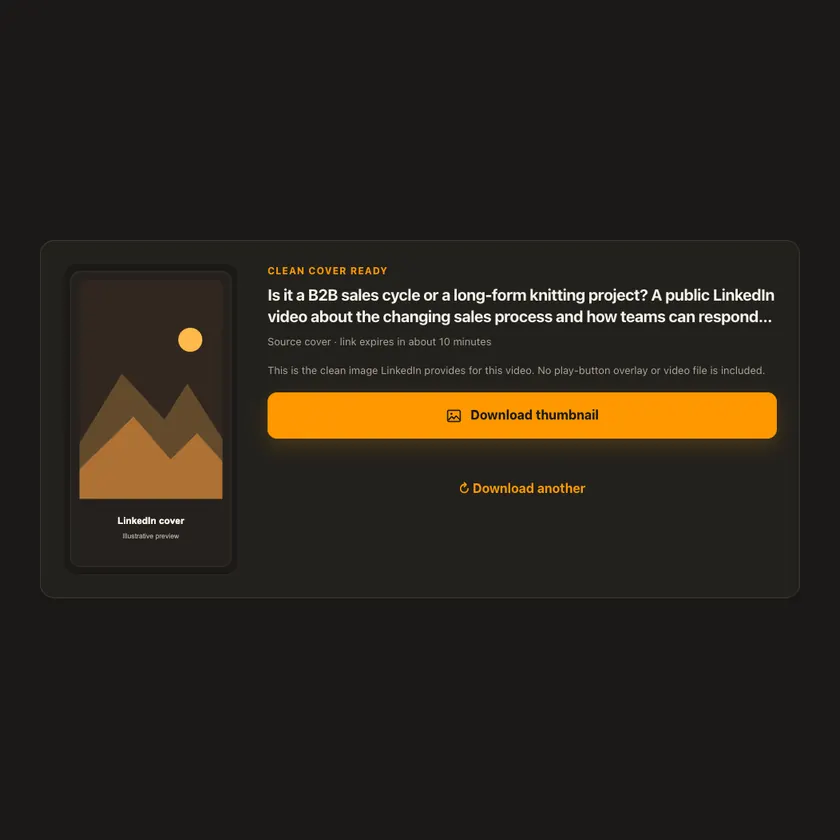
02 / Preview
Preview the clean cover LinkedIn exposes for that video. Play-button overlays and generic site artwork are excluded. The tool does not claim an HD size unless the actual source confirms it.
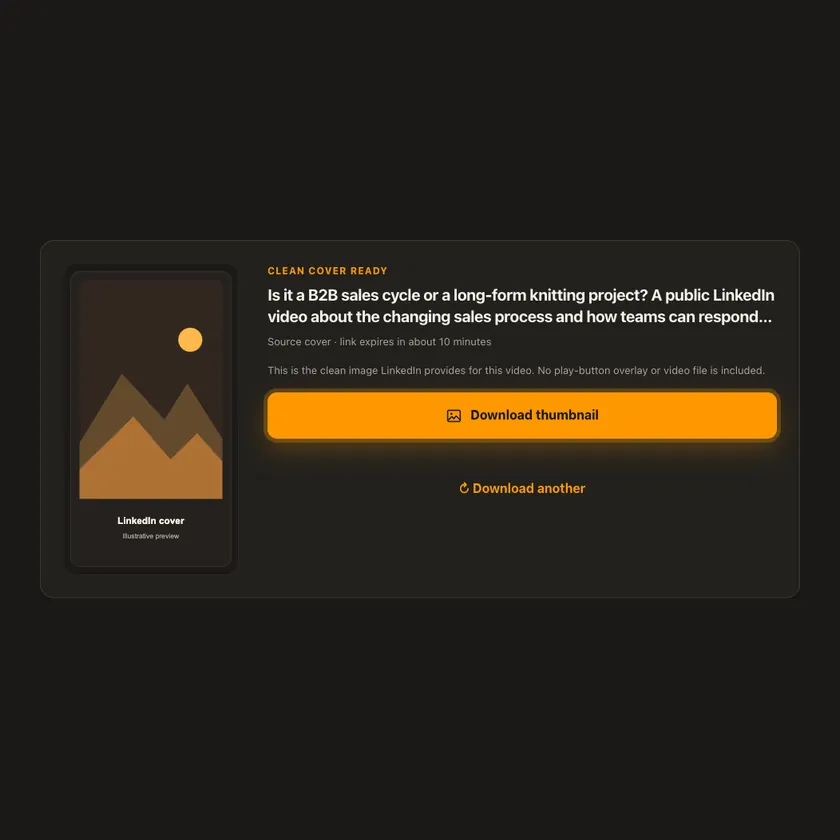
03 / Save
Preview the chosen cover and download it before the short-lived check expires. The image response is limited to 5 MB and checked for a genuine JPEG, WebP, or PNG signature.
Transparent by design
The selected image is streamed through a bounded same-origin route. The video is not transferred and the image is not uploaded to R2 or stored as a permanent file.
Works everywhere
The tool offers only clean video-cover images. LinkedIn may also expose a play-button overlay or generic site artwork, but neither is offered as a downloadable thumbnail. Source access can change without notice.
Tap Share, then Copy link. Downloads appear in Safari and the Files app.
Tap Share → Copy link. Find the finished image in Downloads or your browser.
Open the individual post, copy its address, then check your Downloads folder.
Why choose this tool
GalaxyFetch filters out LinkedIn’s generic site artwork, checks that the cover belongs to the video, and does not invent image sizes or file types.
Supported platforms
Individual public LinkedIn video posts on linkedin.com, eligible regional LinkedIn post hosts, and lnkd.in links resolving to those posts. Login-only or cover-less posts are not available.
Frequently asked questions
Yes, if the official short link resolves to one individual LinkedIn video post. Unrelated shorteners are not accepted automatically.
Two-letter regional hosts such as pk.linkedin.com and in.linkedin.com are normalized for supported post paths. This does not override a post’s privacy settings.
Some posts expose only generic LinkedIn artwork or require login for the cover. The tool does not mislabel generic artwork as the video thumbnail.
No. The check reads video metadata, then transfers only the selected source image for preview or download.
No. GalaxyFetch handles only media that the source exposes publicly without an account. It never asks for your password, session cookie, or private-profile access.
No. Save only media you own or have permission to use. Copyright and the source platform rules still apply.
Desktop browsers normally save to Downloads. Android uses Downloads or the browser download list. On iPhone and iPad, check Safari Downloads and the Files app.
The post may be removed, restricted by region or age, require a login, or the source may temporarily refuse automated access. A public-looking page is not always a public media file.
More downloaders
Other formats from LinkedIn and similar tools on supported platforms.
Choose your preferred language for navigation and content.